25
English
3.1 OSD Setting Menus
Follow the instructions indicated on the down side of the OSD Function Menu. Press
on the control panel or
/
arrow keys on the remote control to scroll
through the menus, on the control panel or the arrow key on the remote
control to select an item, or to exit the OSD menu.
The following menus can be set by different adjustment methods.
3.2 Adjusting Picture Settings
1 Press to enter the OSD Main Menu
screen.
2 Press to enter the Picture menu.
3 Press
/
to select an item.
4 Press
/
to adjust the scales or
options settings.
5 Press to return to the Picture menu.
6 Press to exit the OSD menu.
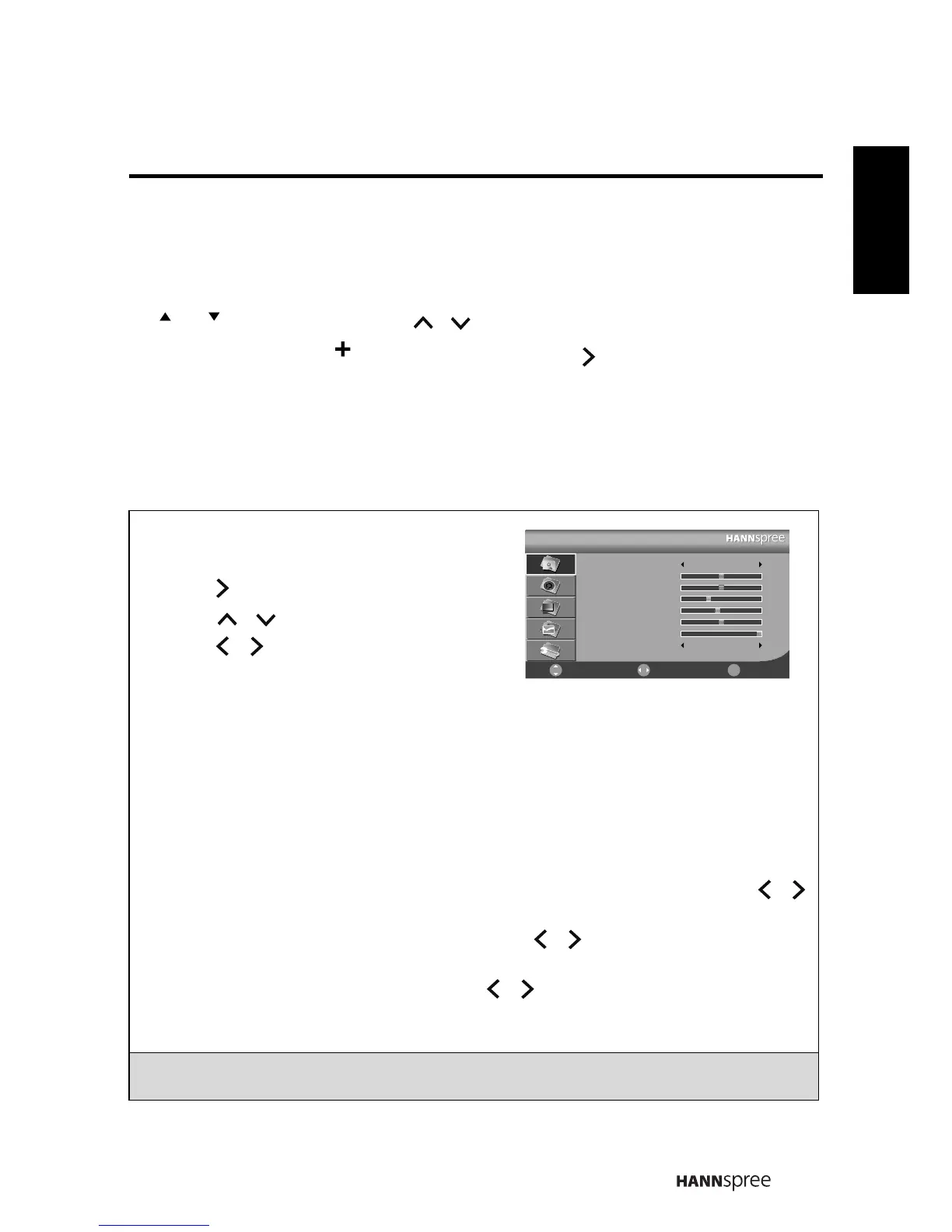
- The Picture menu can be used to adjust the Picture Mode, Brightness, Contrast,
Sharpness, Colour, Hue, Backlight, and Colour Temp settings (Hue, only for NTSC
TV system).
•The Picture Mode can be set to Standard, Vivid, Soft, or User.
•The Brightness, Contrast, Colour, and Hue can be adjusted by pressing
/
to move the scales from 0-100.
•The Sharpness can be adjusted by pressing
/
to move the scales from 0-9.
•The Backlight helps to manually turn down the backlight in dark scenes,
generating a deeper black color. Press
/
to adjust the scales from 1-10.
•The Colour Temp can be set to Standard, Warm, or Cool.
Note: The options available on the OSD may vary depending on the input signal
source.
㡖Ⳃ /㡖Ⳃ
䷇䞣
㦰
㦰
Picture
Picture Mode
Brightness
Contrast
Sharpness
Colour
Hue
Backlight
Colour Temp
Standard
Cool
Select Return
ᚚת
Move
50
50
3
45
50
10
㦰
㦰



 To Next Page