EasyManua.ls Logo

Harbor Breeze 41169 - User Manual

Harbor Breeze 41169
22 pages
Print Icon
To Next Page IconTo Next Page
Loading...
1
Harbor Breeze
®
is a registered trademark
of LF, LLC. All Rights Reserved.
ATTACH YOUR RECEIPT HERE
Purchase Date _________________________
ITEM # 1607162, 43105016, 0888516, 43105022
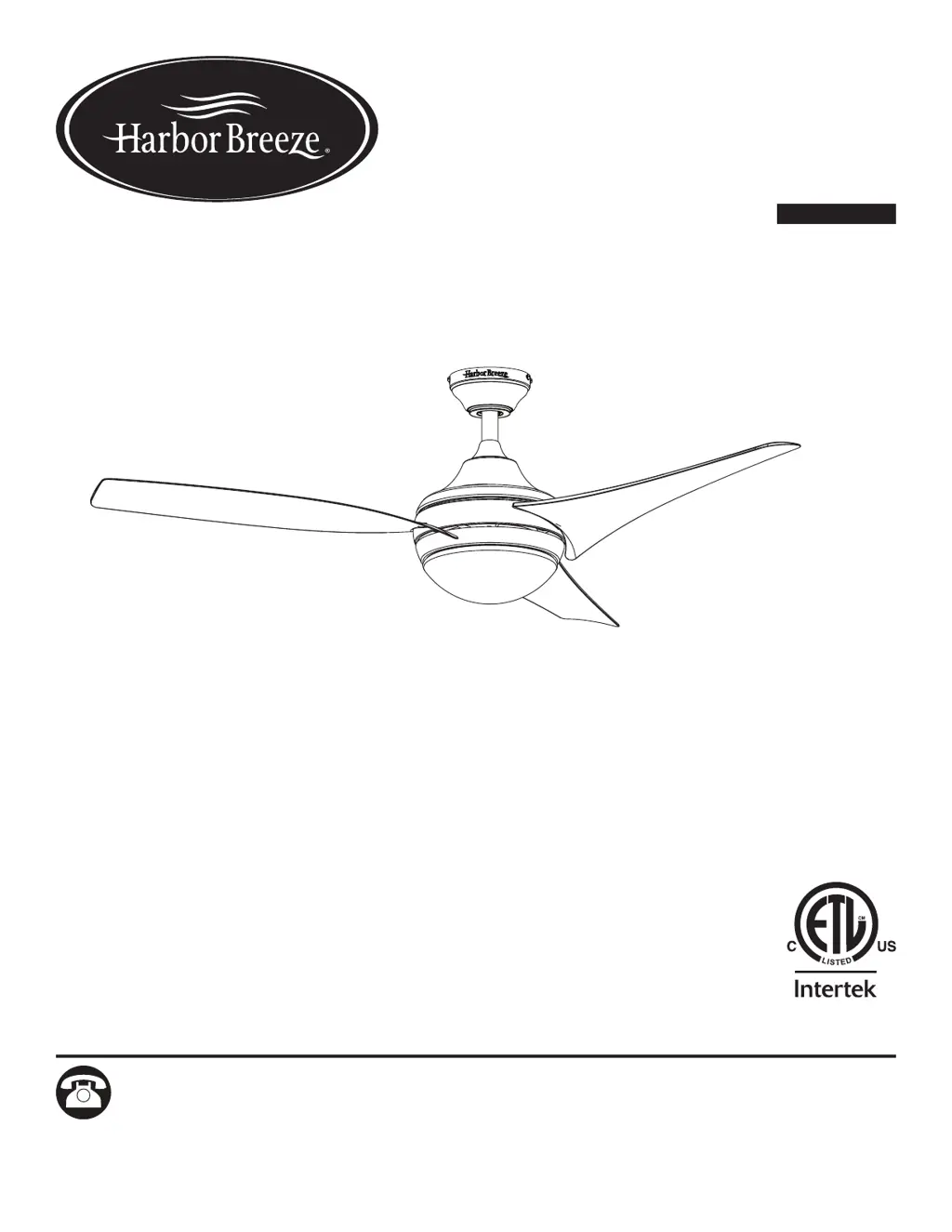
BELLEISLE BAY
CEILING FAN
MODEL #41169, 41172
Français p. 23
RR20002
Questions, problems, missing parts? Before returning to your retailer, call our customer
service department at 1-800-643-0067, 8 a.m. - 8 p.m., EST, Monday - Sunday.

Questions and Answers

  • M
    Madeline WalterAug 7, 2025
    How to fix excessive wobbling in my Harbor Breeze 41169?
    • Q
      qharrisAug 7, 2025
      To address excessive wobbling in your Harbor Breeze fan: 1. Check and tighten all screws that hold the fan blades to the blade arms and the blade arms to the motor. 2. Switch one blade with a blade from the opposite side. Or balance the fan using a blade balancing kit (sold separately). 3. Turn off the power. Loosen the canopy and verify that the mounting bracket is secure to the electrical outlet box. The bracket must be flush without movement against the outlet box. 4. Use a longer downrod (sold separately) or move the fan to another location if the fan is too close to the vaulted ceiling. 5. Lift up the yoke cover and tighten the set screw to the yoke until secure, if the set screw on the motor housing yoke is loose.
  • H
    hbradleyAug 15, 2025
    What to do if the Harbor Breeze 41169 Fan remote control does not work?
    • D
      Dawn KimAug 15, 2025
      If your Harbor Breeze fan remote control isn't working: * A power surge may have cleared memory and remote needs to be re-synced to the receiver. Turn the power to the fan off and back on. Within 30 seconds, hold the 1 and 3 buttons for 5 seconds. The LED indicator will flash 3 times. When syncing is complete, the fan will start on low speed with light (if applicable) off. * Replace the battery in the remote control with a new 12V battery. * If there's interference from another remote, and if there are several fans in proximity, turn the power off to the other fans and re-sync the remote.
  • J
    Jennifer SmithAug 26, 2025
    Why are the lights not working on my Harbor Breeze 41169 Fan?
    • D
      Deanna MarquezAug 26, 2025
      If your Harbor Breeze fan is working but the lights are not, here are a few things to check: * Make sure the bulbs are correctly installed. * Ensure that the male and female plugs in the light kit fitter are connected properly. * Turn the power off and check all connections at the ceiling outlet box for any faulty wire connections.

Summary

Package Contents

Parts List

Detailed list of all components included in the package.

Hardware Contents

Hardware List

Detailed list of all hardware included in the package.

Safety Information

General Safety Guidelines

Essential safety guidelines before installation and operation.

Electrical Safety

Warnings related to wiring, outlet boxes, and dimmer switches.

Handling and Operation Safety

Precautions for handling parts and operating the fan safely.

Preparation

Pre-Assembly Checks

Ensure all parts are present and gather necessary tools before assembly.

Assembly Time Estimate

Provides an estimate for the total assembly duration.

Initial Installation

Power Disconnection

Steps to turn off power before installation.

Mounting Method Selection

Guidance on choosing standard, angle, or closemount installation.

Clearance Requirements

Ensuring minimum clearance from floor and obstructions.

Mounting Bracket Installation

Canopy Detachment

Steps to detach the mounting bracket from the canopy.

Bracket to Outlet Box

Instructions for attaching the mounting bracket to the outlet box.

Standard or Angle Mounting Instructions

Downrod and Yoke Assembly

Prepare downrod and motor assembly.

Wire and Cable Routing

Feed wires and cable through the downrod.

Securing Downrod

Secure the downrod to the motor assembly.

Downrod Wiring Preparation

Lead Wire Trimming

Cutting and stripping lead wires for easier wiring.

Downrod Ball Insertion

Install downrod ball into mounting bracket.

Receiver Installation

Remote Receiver Placement

Insert the remote receiver into the mounting bracket.

Close Mount Instructions

Canopy Cover Removal

Remove the canopy cover for closemount.

Canopy Attachment

Attach the canopy to the motor assembly.

Receiver and Canopy Placement

Place the canopy and receiver onto the mounting bracket.

Secondary Hanging System

Braided Cable Feed

Feed the braided cable through the outlet box.

Support Screw Installation

Install the support screw and washer for the braided cable.

Cable Securing

Tighten the support screw to secure the braided cable.

Wiring Connections

Wire Connector Usage

Connect wires using wire connectors as per diagram.

Wire Preparation

Wrap connections with tape and insert into outlet box.

Wiring Safety

Ensure no bare wire is visible and proper placement.

Final Canopy Installation

Canopy Alignment

Align canopy onto mounting bracket screws.

Canopy Securing

Secure canopy with mounting bracket screws.

Blade and Light Kit Installation

Blade Attachment

Insert and secure fan blades to the motor assembly.

Light Kit Connection

Connect the light kit to the fitter plate.

Bulb Installation

Install bulbs into the light kit sockets.

Final Assembly Steps

Glass Bowl Attachment

Attach the glass bowl to the light kit.

Remote Clip Installation

Install the clip for the remote control.

Power Restoration

Turn on circuit breakers and wall switch to complete assembly.

Operating Instructions

Remote Control Setup

Install battery and set D/CFL switch on remote.

Fan and Light Controls

Explains fan speed, light, and delay off functions.

Reverse Airflow Direction

How to use the reverse switch for airflow direction.

Care and Maintenance

Cleaning Procedures

Instructions for cleaning the motor housing and blades.

Bulb and Battery Replacement

Guidelines for replacing light bulbs and remote control batteries.

Troubleshooting Fan Issues

Fan Movement Problems

Causes and solutions for a fan that does not move.

Fan Noise Issues

Causes and solutions for a noisy fan.

Troubleshooting Guide

Wobbling and Mounting

Causes and solutions for excessive fan wobbling.

Light and Remote Issues

Causes and solutions for light and remote control problems.

Limited Lifetime Warranty

Warranty Coverage Details

What the warranty covers and its duration.

Service and Exclusions

How to get service and what is excluded.

Legal Rights and Disclaimers

Legal aspects and disclaimers.

Replacement Parts List

Parts Identification

Lists components and their part numbers.

Ordering Information

Contact details for ordering replacement parts.

Harbor Breeze 41169 Specifications

General IconGeneral
BrandHarbor Breeze
Model41169
CategoryFan
LanguageEnglish

Related product manuals