EasyManua.ls Logo

Harbor Breeze 41239 - User Manual

Harbor Breeze 41239
34 pages
Print Icon
To Next Page IconTo Next Page
Loading...
Questions, problems, missing parts? Before returning to your retailer, call our customer
service department at 1-800-643-0067, 8 a.m. - 6 p.m., EST, Monday - Thursday, 8 a.m. - 5 p.m.,
EST, Friday.
1
Harbor Breeze® is a registered trademark
of LF, LLC. All Rights Reserved.
ATTACH YOUR RECEIPT HERE
Purchase Date _________________________
Español p. 18
H
a
r
b
o
r
B
r
e
e
z
e
EB16218
ITEM #0732082, 0807429, 0807432, 0807433
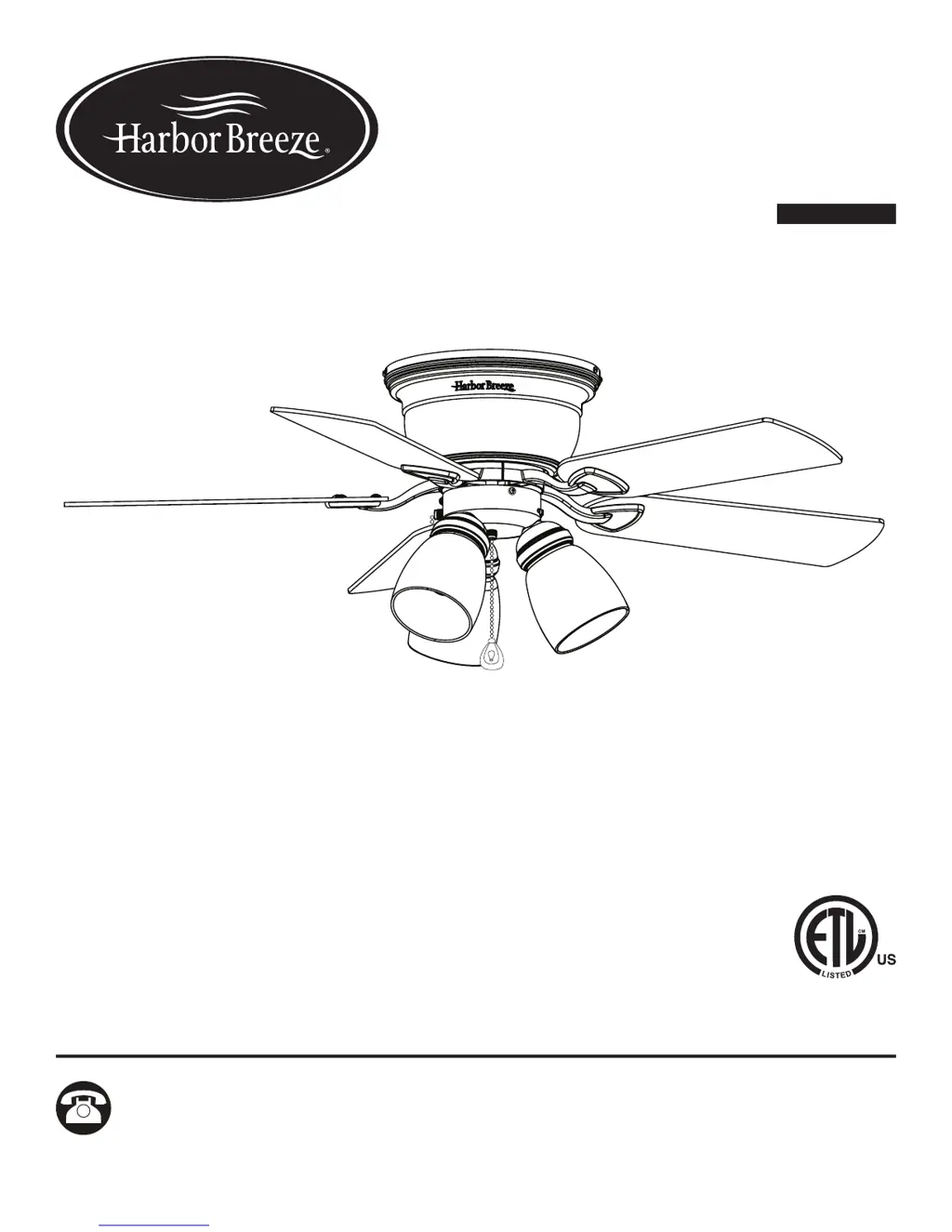
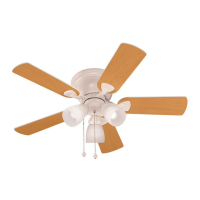
42-INCH CENTREVILLE
CEILING FAN
MODEL #41239, 40689, 40687, 40688

Questions and Answers

  • C
    Christian NormanAug 4, 2025
    Why is my Harbor Breeze 41239 excessively wobbling?
    • A
      Alan HoffmanAug 4, 2025
      Excessive wobbling in your Harbor Breeze Fan can occur due to several reasons. First, check and tighten all screws that hold the fan blades to the blade arms and the blade arms to the motor, as the blades and/or blade arms might be loose. If wobbling persists, try switching one blade with a blade from the opposite side or balance the fan using the blade balancing kit (P), because the blades may be unbalanced. Finally, turn off the power, loosen the motor housing, and verify the upper mounting bracket is secure to the electrical outlet box; the bracket must be flush without movement against the outlet box, because the fan mounting may not be secure.
  • S
    Sydney ParkAug 10, 2025
    What to do if the lights on my Harbor Breeze 41239 are not working?
    • M
      Michael LoweAug 10, 2025
      If your Harbor Breeze Fan is working but the lights are not, first try re-installing the bulb(s). Then, ensure the single-pin connectors in the light kit are properly connected. If the issue persists, turn the power off and check all connections at the ceiling outlet box for faulty wire connections.
  • A
    anthonywiseAug 19, 2025
    What to do if my Harbor Breeze 41239 is noisy?
    • M
      Mark DavisSep 12, 2025
      A noisy Harbor Breeze Fan can be attributed to several factors. Start by checking and tightening all screws that hold the fan blades to the blade arms and the motor, as the blades may be loose. Inspect the blades for cracks and replace any cracked blade. Ensure you are not using a full range dimmer switch to control the fan speed, as the wall control may not be compatible with the fan. Also, verify that the outlet box is securely attached to the building structure. Lastly, confirm that the mounting bracket is secured to the outlet box and that the screws are tight.
  • J
    Jose RamseyAug 26, 2025
    How to fix a Harbor Breeze 41239 Fan that does not move?
    • G
      Gary WilsonAug 26, 2025
      If your Harbor Breeze Fan isn't moving, there are several things to check. First, make sure the power is on and the fuse is not blown; if it is, turn the power on or check the fuse. Then, turn the power off, loosen the canopy, and check all wire connections for faults. Also, check that the connectors from the light kit and fan are properly connected. Finally, ensure the reverse switch is completely pushed to the left or right.

Summary

Package Contents

Hardware Contents

Safety Information

General Installation Safety

Covers power disconnection, installation site clearance, and fan weight requirements.

Electrical Safety Precautions

Addresses electrical codes, outlet box mounting, dimmer switch usage, and wire connectors.

Handling and Component Safety

Details precautions for handling fan parts and using supplied components safely.

Preparation

Initial Installation

Disconnect Power Supply

Crucial first step to disconnect power via circuit breakers and wall switch before installation.

Fan Mounting Type

Specifies the fan is intended for flushmount installation only; other types are not available.

Clearance Requirements

Details minimum blade clearance from floor (7 ft) and obstructions (30 in).

Secure Upper Mounting Bracket

Instructions on attaching the upper mounting bracket securely to the outlet box.

Remove Lower Bracket Screws

Step to remove screws from the lower mounting bracket for easier alignment during installation.

Attach Lower Mounting Bracket

Guides aligning and attaching the lower mounting bracket to the upper mounting bracket.

Secure Lower Mounting Bracket

Re-installing screws to secure the lower mounting bracket to the upper mounting bracket.

Wiring

Connect Household and Fan Wires

Details the process of connecting supply wires to fan wires using wire connectors.

Wrap Wire Connectors

Instructions to wrap electrical tape around individual wire connectors for secure connections.

Push Wires into Outlet Box

Guides pushing the wired connections safely into the outlet box.

Final Installation

Attach Motor Housing

Steps for aligning and securing the motor housing to the upper mounting bracket.

Lock Motor Housing

How to twist and lock the motor housing into place and tighten screws.

Remove Motor Screws for Blades

Prepares for blade arm attachment by removing specific motor screws.

Install Blades to Arms

Attaching blades to blade arms using blade screws and washers.

Install Blade Arms to Motor

Securing the blade arms to the underside of the motor using motor screws.

Connect Fitter Plate and Light Kit

Connecting single-pin connectors between the fitter plate and the light kit.

Secure Light Kit to Fitter Plate

Attaching the light kit to the fitter plate by reinstalling fitter plate screws.

Install Glass Shades

Securing the glass shades into the light kit cups using socket rings.

Install Light Bulbs

Inserting the specified light bulbs into the sockets of the light kit.

Attach Pull Chain Extensions

Adding pull chain extensions to the fan and light pull chains for easier access.

Turn on Power Supply

Final step to restore power to the fan to complete the assembly.

Operating Instructions

Fan Speed and Light Control

Explains operation of pull chains for fan speed (HIGH, MEDIUM, LOW, OFF) and light ON/OFF.

Fan Direction Control

Details how to use the reverse switch for summer (downward airflow) and winter (upward airflow).

Care and Maintenance

Troubleshooting

Fan Does Not Move

Identifies causes and solutions when the fan fails to operate, such as power issues or connections.

Excessive Wobbling

Addresses issues causing fan wobble, including loose blades or unsecured mounting.

Lights Not Working

Troubleshooting steps for when the fan operates but the lights do not function, checking bulbs and connections.

Fan is Noisy

Lists potential causes of fan noise, such as loose blades or incompatible wall controls, and corrective actions.

Lifetime Limited Warranty

Replacement Parts List

Harbor Breeze 41239 Specifications

General IconGeneral
BrandHarbor Breeze
Model41239
TypeCeiling fan
Number of Blades5
Reversible MotorYes
FinishBrushed nickel
Motor TypeAC
Control TypePull chain
Blade Span52 inches
Motor Speed3 speeds

Related product manuals