Steps:
1. Keep the Thermopod unit on.
2. Connect the pressure gage with the valve quickly.
3. Turn the valve clockwise to the end (stop the gas out from Thermopod unit)
4. Immediately close the service valve and then Switch off the system after the value of the pressure gage is 0 or
below
5. Remove the pipe-work and the gage. Now relocate for installation.
17 Trouble Shooting
Sensor outputs can be accessed from the display to help evaluate performance issues and support trouble shooting.
The following table lists the error code warnings that protect Thermopod.
Suggested Actions
•
Contact the installer to check for a common fix.
•
Search for the Trouble Shooting Solution to find known solutions
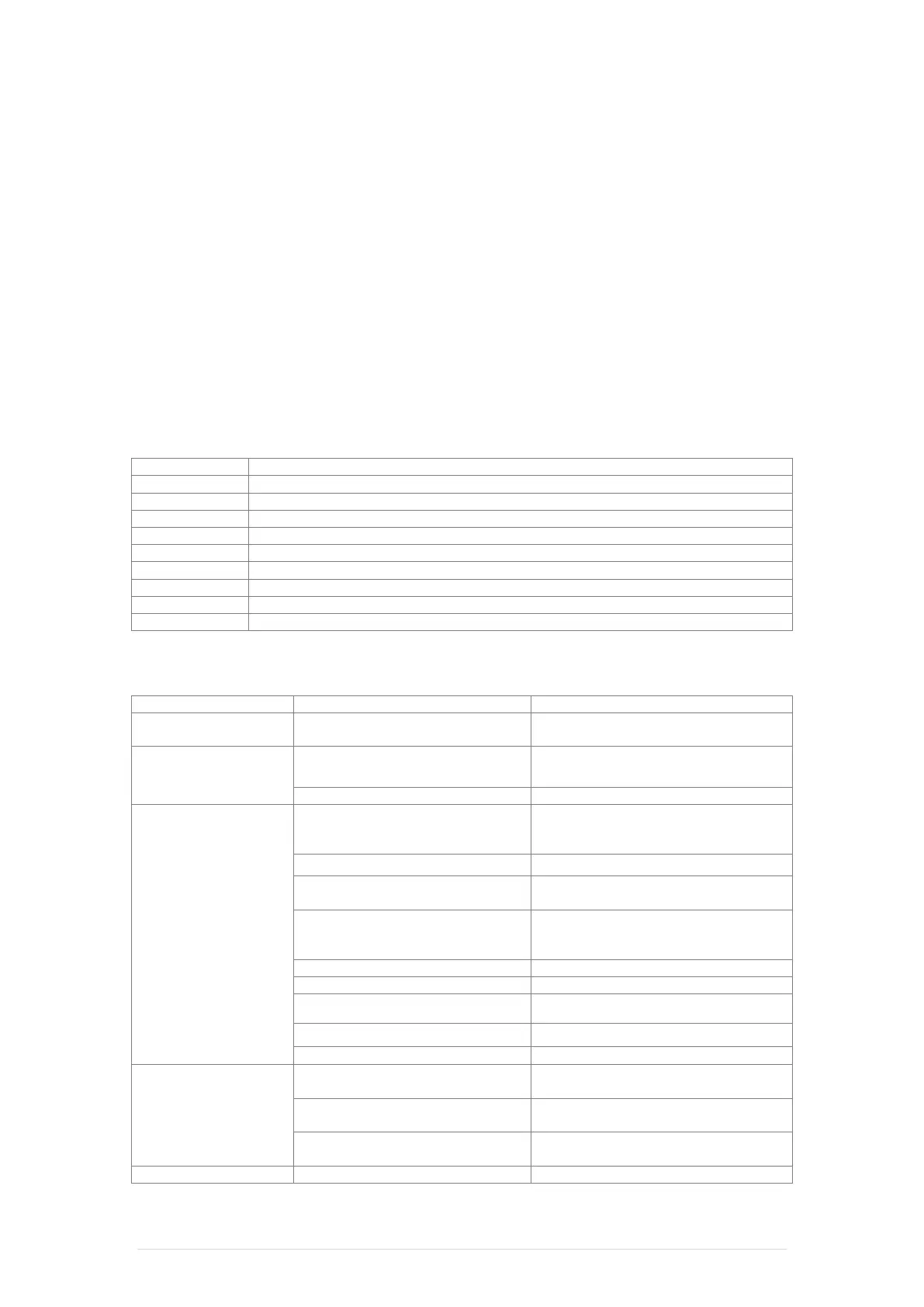
Error Code Table
Water cylinder temperature probe error
Coil temperature probe error
Exhaust gas temperature probe error
Ambient temperature probe error
Water outlet temperature probe error
Return gas temperature probe error
Troubleshooting Guide
Communication error
(error code 09)
1. White communication line is
disconnected
1. Restore the line connection
2. Replace a new one
any information.
1. Check the power supply, make sure the
power switch is on.
2. Fuse damage in main control
switch is on (error code
05)
1. Air in the hydraulic circuit
1. Check the functioning of the water pump
and bleed the pump. Bleed the air through
into air vent
2. Check, clear or replace water filter
3. Temperature probe in the cylinder is
disconnected or loose
3. Restore the temperature probe
connection
4. Check refrigerant pressure by
manometers and adjust back to the normal
level
5. Fluorine filter system blockage
5. Check or replace fluorine filter
6. Main control board damage
6. Replace main control board
7. Pressure switch damage
7. Check or replace pressure switch
8. Clear or replace condenser
9. Expansion valve damage
9. Check or replace expansion valve
(>125°C) (error code 12)
1. Check for leaks in the refrigeration circuit
2. Vacuum the closed system and re-fill
refrigerant charge
3. Temperature probe in the cylinder is
disconnected or loose
3. Restore the temperature probe
connection
1. Temperature probe disconnected
1. Check the temperature probe line
Thermopod - Installation Manual 25 | Page


 To Next Page