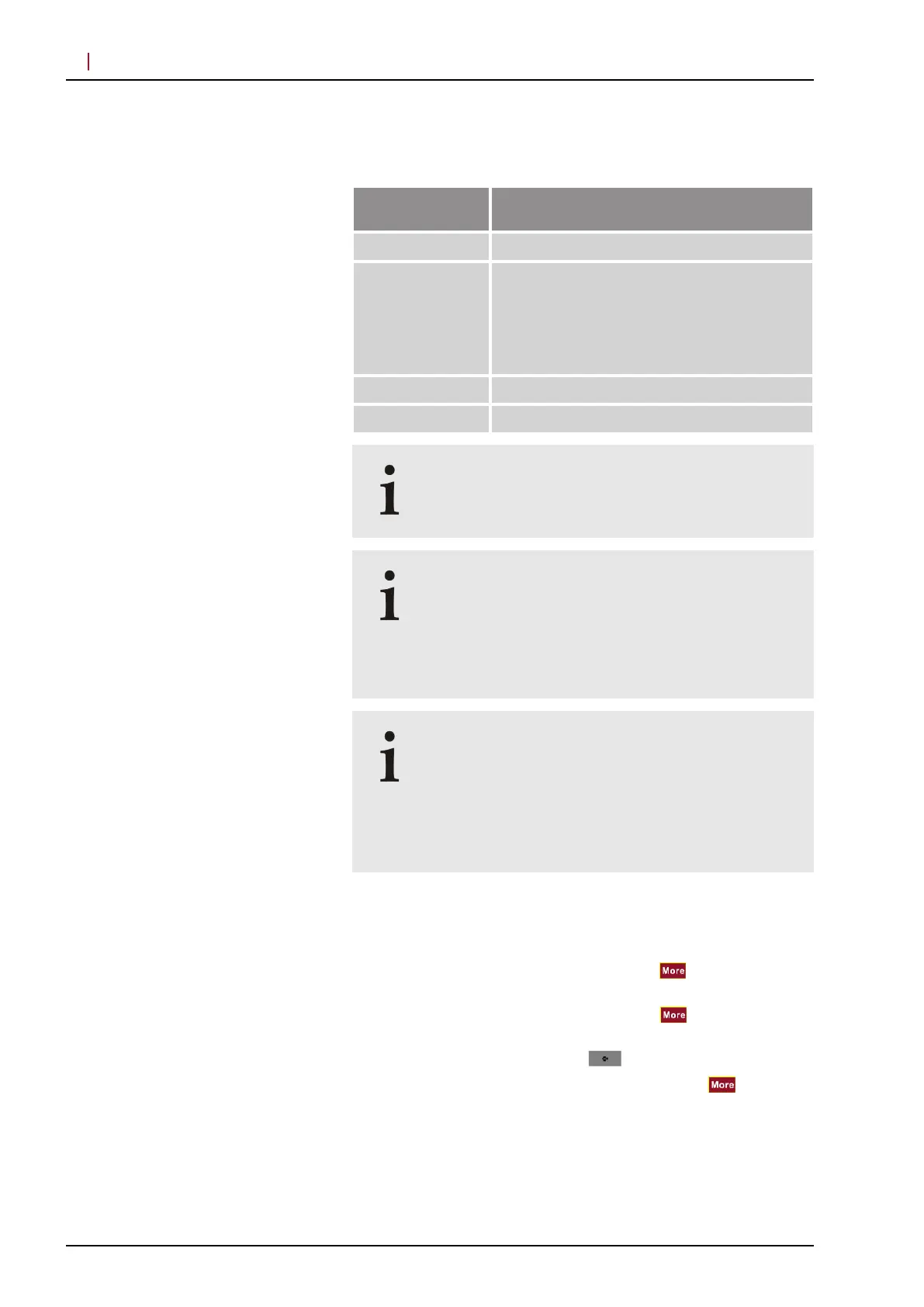
The following acquisition modes are available:
Filter wheel
position
HRA / HRA+OCT
“R” -
“A” IR
BAF
IRAF
BAF+IRAF
BAF+IR
IRAF+IR
“S” -
“P” IR (cross-polarized)
Please note that you cannot acquire MultiColor
images with the Ultra-Widefield Imaging Module.
Images acquired with filter wheel position “P” are
labeled with “IR Reflectance Image (cross-
polarized)” in the AQM.
Please note that in HEYEX, all images acquired with
filter wheel position “P” are labeled with “XP” for
cross-polarized.
Only use the “IR” acquisition mode for aligning
the camera in the angiography modes
If you select “IR” as the acquisition mode, you will
receive a message in the acquisition window
indicating that acquisitions are currently not possible.
Please select either a different acquisition mode or
turn the filter wheel to the filter wheel position “P” .
5.1.2 Setting Acquisition Parameters
To select “HS”
as the scan resolution, press on the touch
panel and select “High Speed” .
To select “HR”
as the scan resolution, press on the touch
panel and select “High Res.” .
To return to the main menu, press
.
To select automatic image brightness control, press
on the
touch panel and select “Auto” .
The illumination of the cSLO image will then be controlled
automatically.
Ultra-Widefield Imaging Module
SPECTRALIS HRA/HRA+OCT
Scan resolution
Image brightness control
Acquiring Images
Preparations
5
© Heidelberg Engineering GmbH, Article No. 230134-002 INT
18



 To Next Page