Start-Up
14
How to do the Settings
Control knob
Hei-TORQUE Value
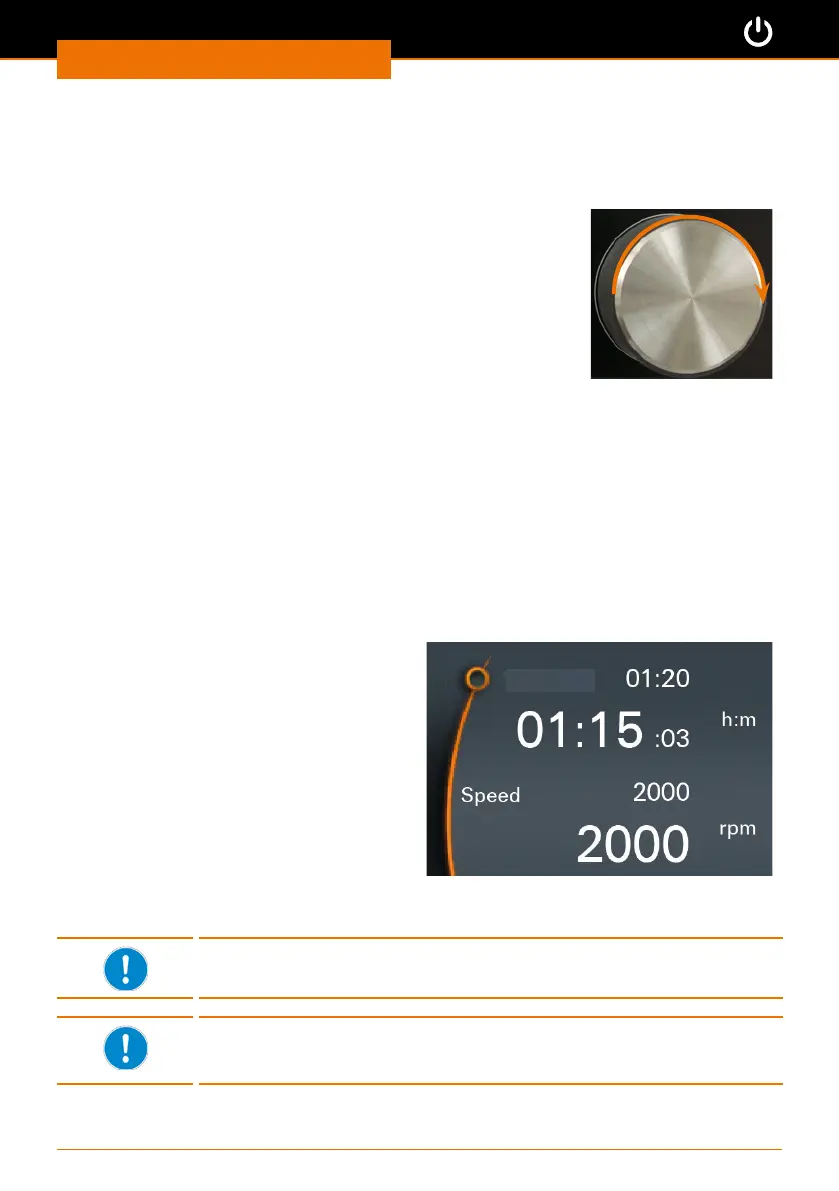
The speed is adjusted using a rotary knob.
➜ Turn the control knob clockwise
✓ to increase the speed.
➜ Turn control knob counterclockwise.
✓ to decrease the speed.
Hei-TORQUE Precision
The rotary knob is used to call up, change and save all settings.
▪ To call up and change the settings: Turn the control knob
▪ To select and conrm settings: Push the control knob
✓ “Speed” is selected in the main menu by default and the value displayed in orange
gures.
➜ Turn the control knob clockwise or counterclockwise to increase or decrease the
speed.
➜ Push the control knob to exit speed setting.
➜ Turn the control knob clockwise within
3 seconds.
✓ The indicator jumps to “Timer”.
➜ Push the control knob to conrm your
selection.
✓ Setting changes from white to orange
for approx. 2 seconds.
➜ While the gures are orange turn
the control knob clockwise or
counterclockwise to increase or
decrease the setting.
➜ Push the control knob to conrm.
Timer
✓ Without conrmation, the setting will be saved automatically after approx. 2 seconds.
The settings can only be changed while the gures are displayed in
orange.
The control knob sound can be switched o and on. (See chapter
“Start-Up, Hei-TORQUE Precision: Additional functions”, “Settings”
section.)


 To Next Page