Start-Up
17
Menu navigation
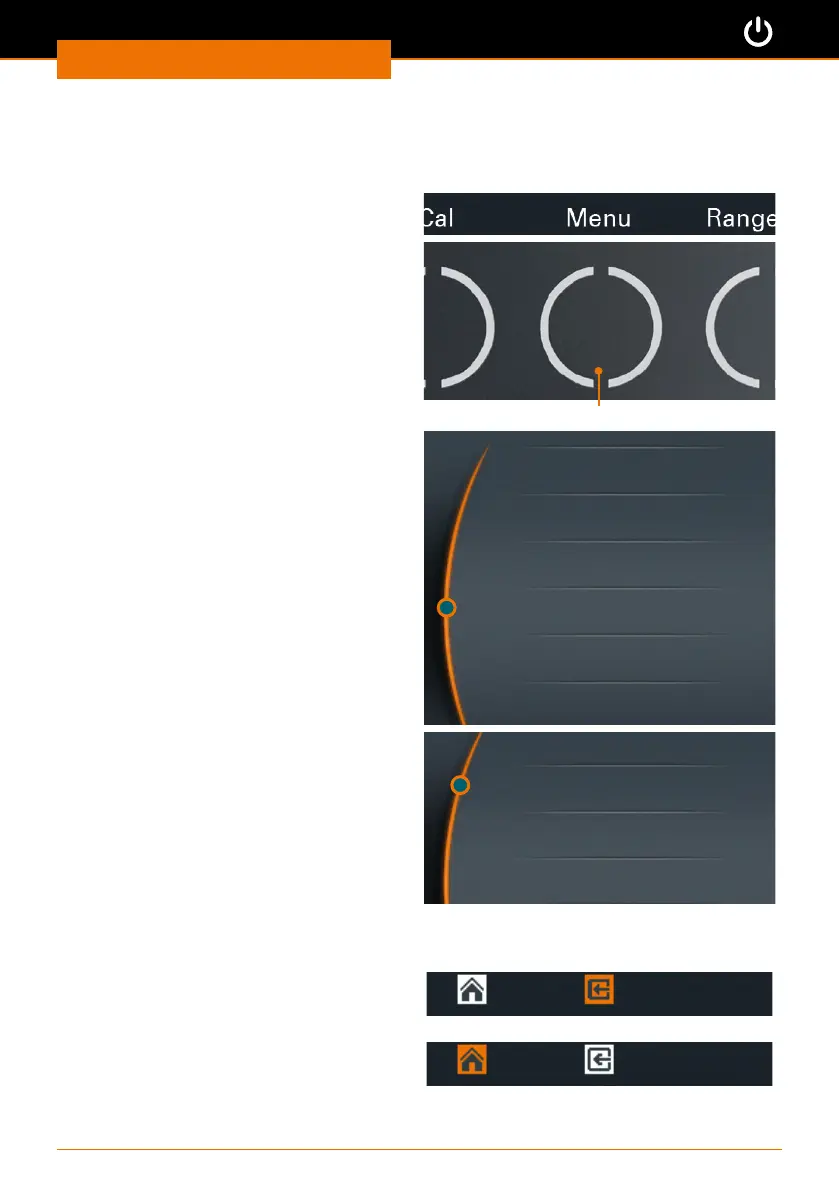
Switching to a submenu
➜ Touch the “Menu” key.
Control key “Menu”
✓ The rst submenu opens.
➜ Turn the control knob clockwise or
counterclockwise.
✓ The position indicator jumps to a menu
item.
✓ The color of the selected menu item
changes from white to orange.
Graph
Favorites
Edit Prole
Setup
Start Time
Safety
➜ Push the control knob.
➜ The selected menu is displayed.
Time
Language
Sound
Direction
Quiting the submenu
➜ Touch the “Back” key
✓ This will take you back to the previous
menu.
➜ Touch the “Home” key
✓ This will take you back to the main
menu.



 To Next Page