Start-Up
23
Favorites
The submenu “Favorites” oers the following options:
▪ Show an existing prole
▪ Open an existing prole as a template for a new prole.
▪ Delete a prole template to create a completely new prole.
▪ Start a prole.
Displaying favorites
➜ Open the “Favorites” menu item in the
submenu.
✓ If you have saved favorites under “Edit
prole” they are displayed here.
➜ Select a favorite and conrm your
selection.
Paint R 01
Paint R 11
Gel 032
Gel 3602
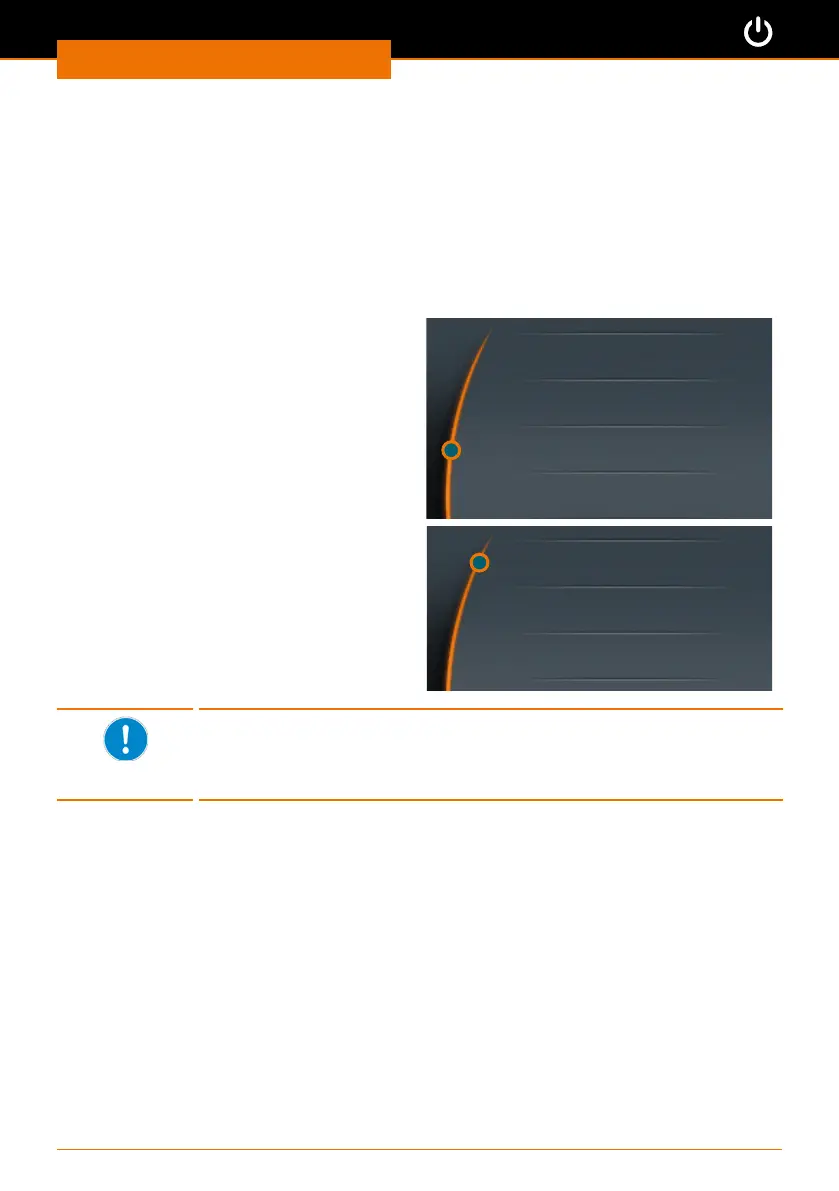
➜ The selection shown on the right is
displayed.
➜ Select “Show”.
➜ The existing prole is shown.
Show
Edit
Delete
Selecting favorites as templates
If you want to use a particular favorite as a template, go to the
“Favorites” menu instead of the “Edit prole” menu. Save your favorite
under a new name via the “Edit” menu.



 To Next Page