Start-Up
18
Settings
All basic settings for daily use are set using the “Settings” menu.
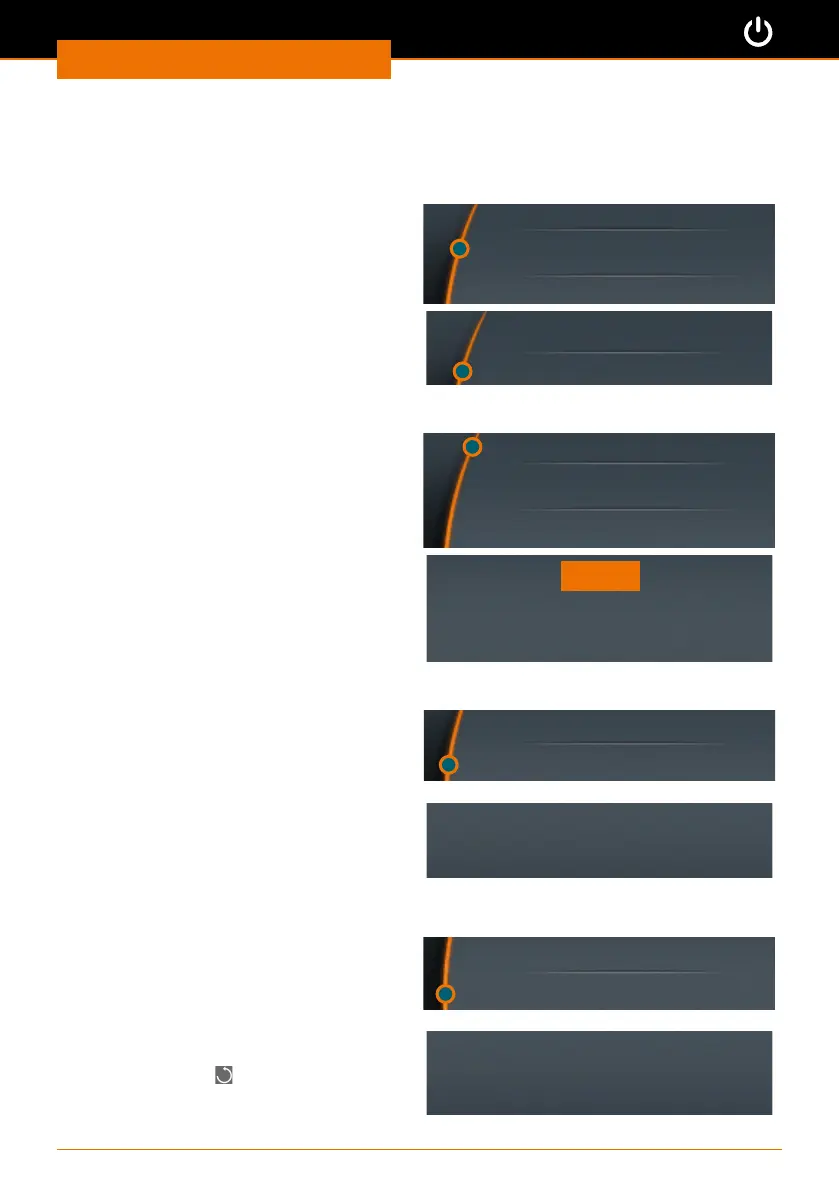
Setting the language
➜ Open the “Settings” submenu.
➜ Select the “Language” menu item and
choose your desired language.
➜ Push the control knob to conrm your
selection.
Time
Language
Sound
English
German
Setting the time
➜ Select the “Time” menu item.
➜ Push the control knob to adjust time.
➜ Turn the control knob to change the
time.
➜ Push the control knob to complete
setting.
➜ Push the control knob again to conrm
and save your selection by pressing
“OK”.
Time
Language
Sound
08:30
OK
Setting the sound
➜ Select the “Sound” menu item.
➜ Select “Sound on” or “Sound o”.
➜ Push the control knob to conrm.
✓ The setting will be displayed for a few
seconds.
Language
Sound
Sound on
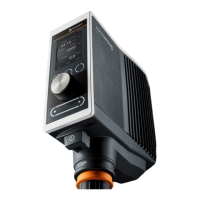
Setting the direction (only applicable to Hei-TORQUE Precision 100 and 200)
➜ Select the “Direction” menu item.
➜ Select “Left” or “Right”.
➜ Push the control knob to conrm.
✓ The setting will be displayed for a few
seconds.
✓ If “Clockwise” is activated, an
additional icon
will be displayed in
the upper right corner.
Sound
Direction
Direction: anti-clockwise



 To Next Page