Operation
25
Operation
Setting the gear stage
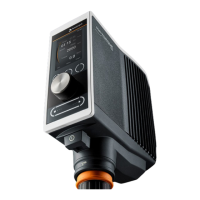
Only available for Hei-TORQUE Value 400 and Hei-TORQUE Precision 400
To ensure constant speed despite uctuations in viscosity you can choose between two
gear stages.
Speed range:
▪ Gear stage I: 10 rpm – 400 rpm
▪ Gear stage II: 200 rpm – 2,000 rpm
The gear stage can only be changed if the device is not running.
✓ Stirring is switched o.
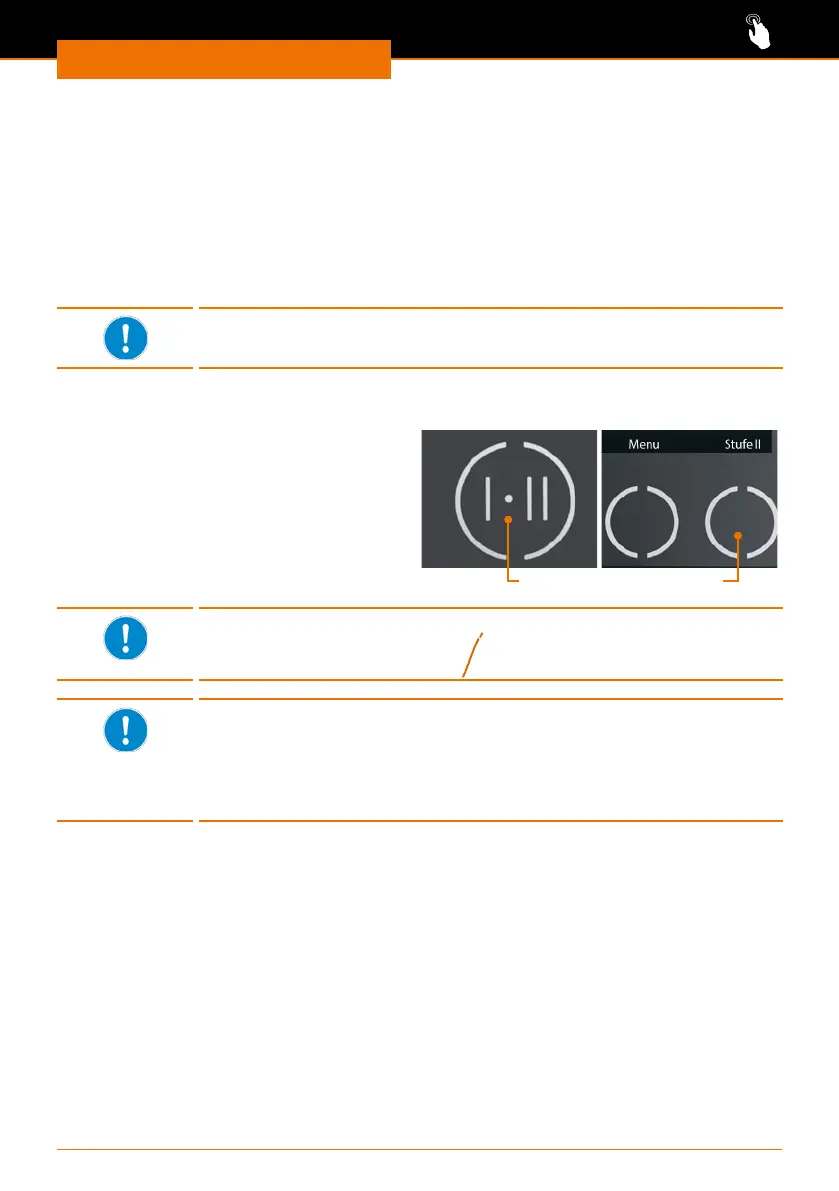
➜ Touch the gear stage key on the
control panel.
✓ The current gear stage is displayed on
the control panel.
✓ The speed range is automatically
adjusted to the lowest speed.
Hei-TORQUE
Value 400
Hei-TORQUE
Precision 400
Control key gear stage
Hei-TORQUE Precision 400
If you select a favorite to start a prole the gear stage will be switched
automatically.
Hei-TORQUE Precision 400
If you save more than one favorite in succession the software keeps
the gear stage of the most recent prole in memory.
Always delete the prole in the “Edit Prole” menu before editing a
prole with a dierent gear stage for a new favorite.


 To Next Page