Start-Up
24
Editing favorites
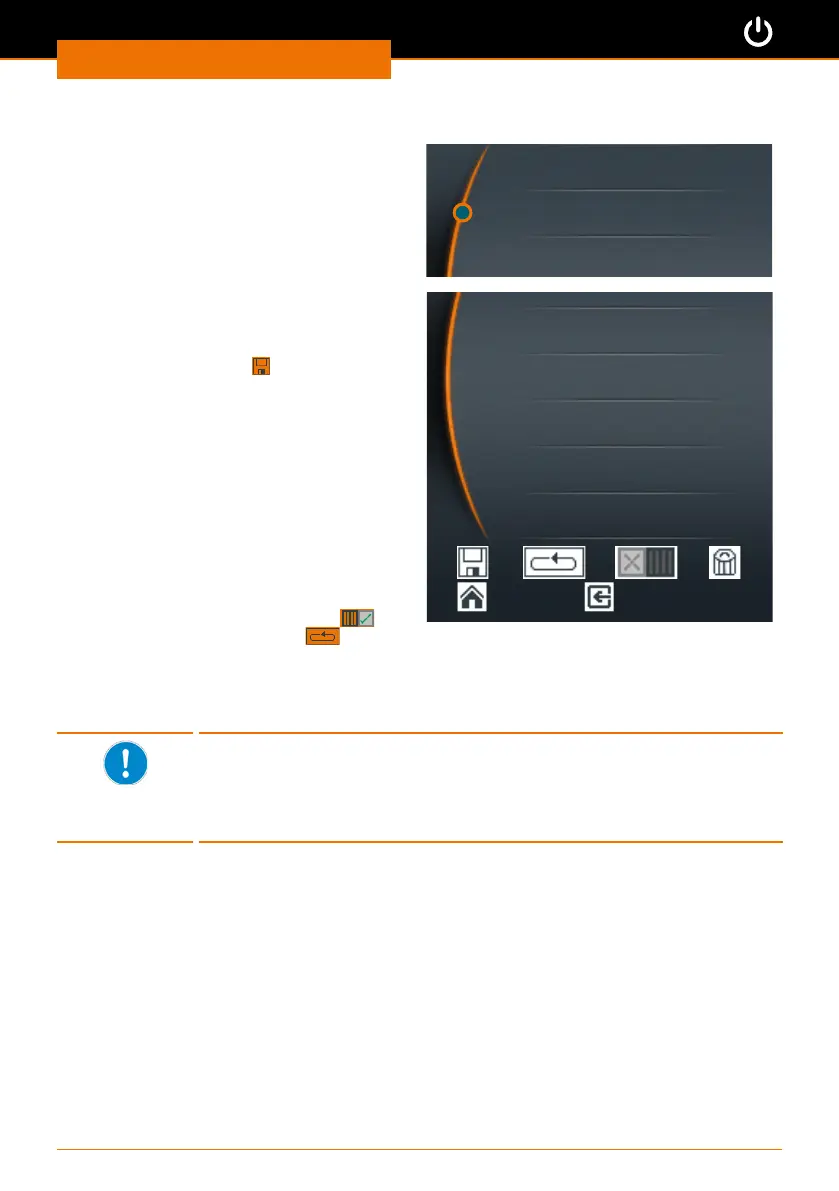
➜ Open the favorite you want to edit.
➜ Select “Edit”.
✓ The existing prole appears in your
Favorites.
➜ Select the row you want to edit with
the cursor.
➜ Push the control knob to activate the
row for editing.
➜ Edit the data as desired.
➜ Save the changes under a new name
by cklicking “Save”
.
Deleting a favorite
➜ Open the favorite that you want to
delete.
➜ Select “Delete”.
➜ Conrm the safety query with “Yes”.
✓ The favorite will be deleted.
Starting a favorite
➜ Open the favorite that you want to
start.
➜ Click the single operation icon
or
continuous operation icon .
✓ The icons are displayed at the top of
the display.
➜ Start the favorite via the slider.
Show
Editing
Delete
00 : 01 1600 /
00 : 10 1600 l
00 : 11 0 /
hh : mm rpm l
To prevent accidental changes to tried and tested proles, it is
impossible to change a favorite after it has been saved.
If you really want to change an existing prole, open the prole and
edit it, save it under a new name and delete the old version, if you so
wish.



 To Next Page