Operation
30
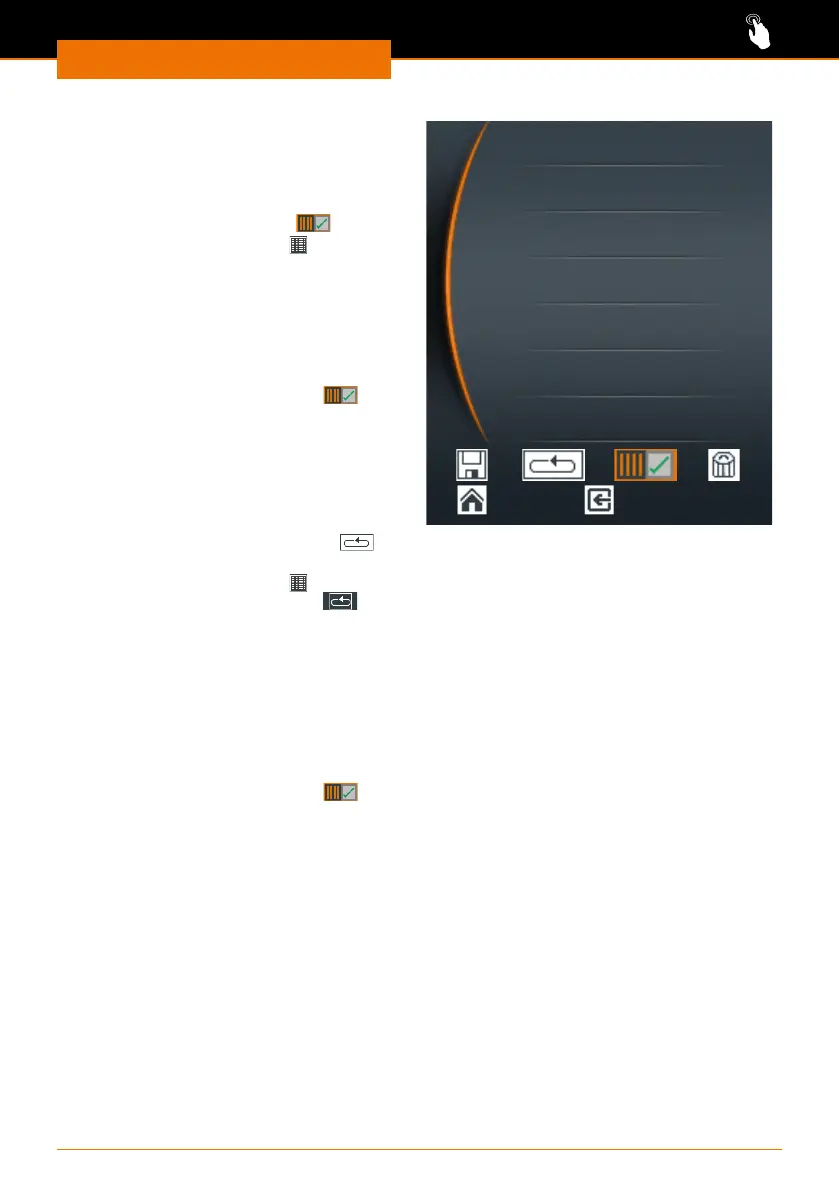
Single operation
➜ Open the favorite you want to activate.
➜ Select “Edit”.
✓ The existing prole is displayed.
➜ Select “single operation”
.
✓ The “Prole active” icon
is displayed
at the top of the display.
➜ Return to the main menu.
➜ Start the prole using the slider.
✓ The prole runs and stops after
running once.
➜ Stop the prole by deactivating it via
the menu “Favorites”, “Edit”
.
✓ The “Prole active” icon disappears.
00 : 01 800 /
00 : 02 1600 /
00 : 12 1600 l
00 : 13 0 /
hh : mm rpm l
Continuous operation
➜ Open the favorite you want to activate.
➜ Select “Edit”.
✓ The existing prole is displayed.
➜ Select “Continuous operation”
using the control knob.
✓ The “Prole active” icon
and the
“Continuous operation” icon are
displayed at the top of the display.
➜ Return to the main menu.
➜ Start the prole using the slider.
✓ The prole starts running and is
repeated indenitely.
✓ Stop continuous operation using the
slider.
➜ Stop the prole by deactivating it via
the menu “Favorites”, “Edit”
.



 To Next Page