17
Step 5:
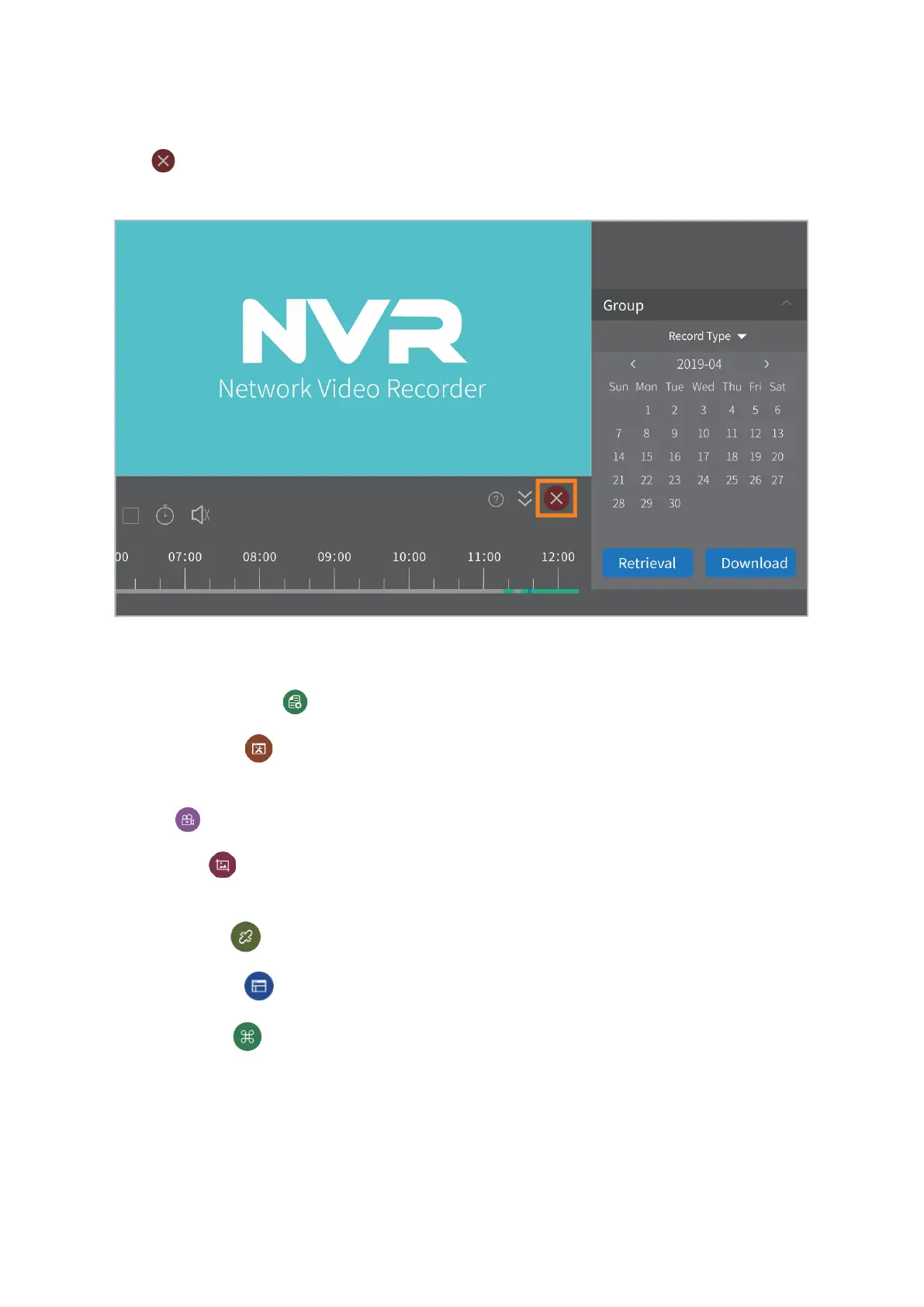
Click to exit from the video playback interface and get back to the live video
interface.
Other Functions of the Bottom Menu
Device management( ): To add/delete NVR devices; to modify the device information.
User Parameter( ): To select language; to change the storage paths of Screenshots
and videos; to set time zone.
Record( ): To record live videos on your computer.
Screenshot( ): To capture a screenshot of the live videos and save it on your
computer.
Disconnect all( ): To disconnect the NVR device.
Screen Number( ): To change the channel numbers showing in the screen.
More function( ): To change the password; to check the user logs; to check system
messages.



 To Next Page