18
OPERATE NVR SYSTEM ON A MOBILE DEVICE
Notice:
• Your Cloud ID can be found in Network Setup.
• Please make sure that your NVR is Internet connected through the ethernet cable,
and the status of your network is Healthy Network.
• Please make sure the NVR System and the mobile device are connected to the same
network the first time.
App Installation
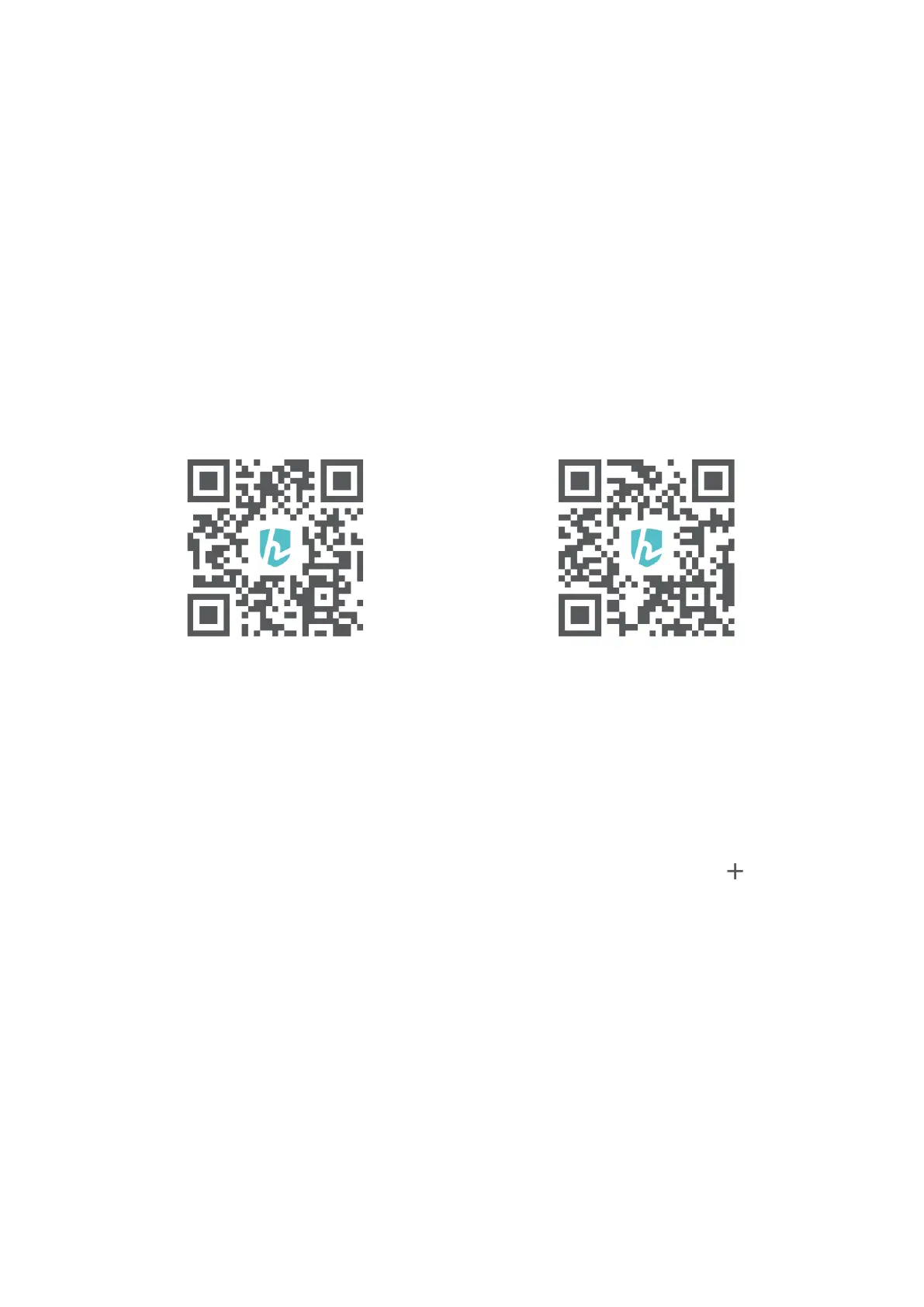
Search and download HeimKits to your mobile device from App Store/Google Play or
scan the QR codes below to download.
iOS System: Android System:
iOS 8.0 or later Android 4.4 and up
NVR System Adding
Install and open HeimKits App, then follow the steps below to add the NVR system.
Step 1:
Register an account with your email address and log in to HeimKits, then tap in the
center or on the upper right corner to continue.



 To Next Page