21
OPERATE NVR SYSTEM FROM A BROWSER ON PC
Notice:
• Your Cloud ID, IP address and Web Port can be found in Network Setup.
• Please make sure that your NVR is Internet connected through the ethernet cable,
and the status of your network is Healthy Network.
• Internet Explorer (IE) browser is recommended.
Option 1:
When your PC is connected to the same Router as the NVR’s, you can visit the local
network to operate.
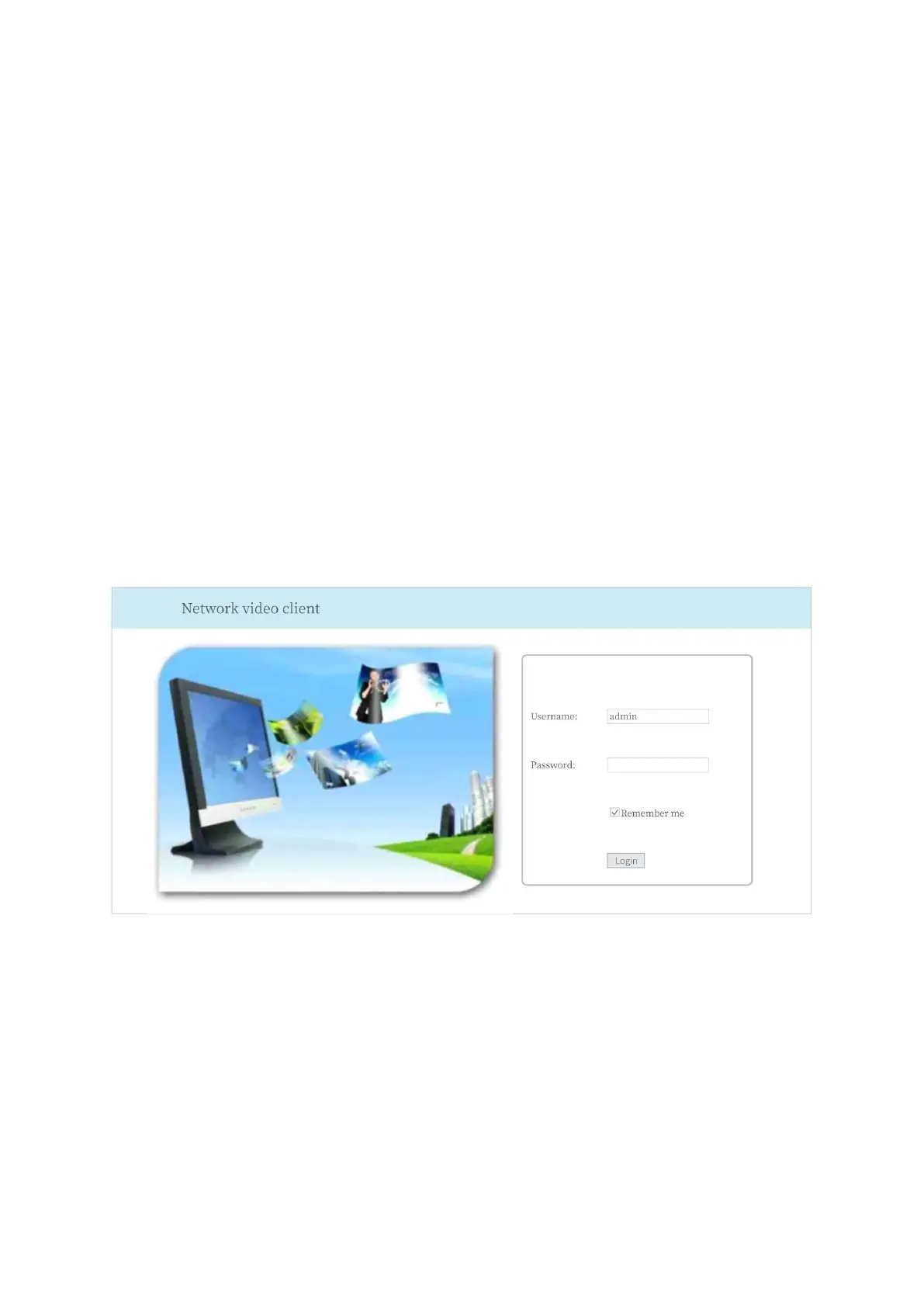
Input your IP address (e.g.192.168.32.213) into the search bar of your browser and log
in to the NVR system. Please install Web View Control after your first login. And then
change the Internet setting to allow installation of Web View Control.
Then you can watch live videos, play and download the recorded videos and change the
settings, etc.
Tip:
If the Web port (e.g. 80) of your NVR system has been changed to another number, e.g.
1111, please enter 192.168.32.213:1111 into the IE browser.



 To Next Page