7
= Up Arrow = Down Arrow
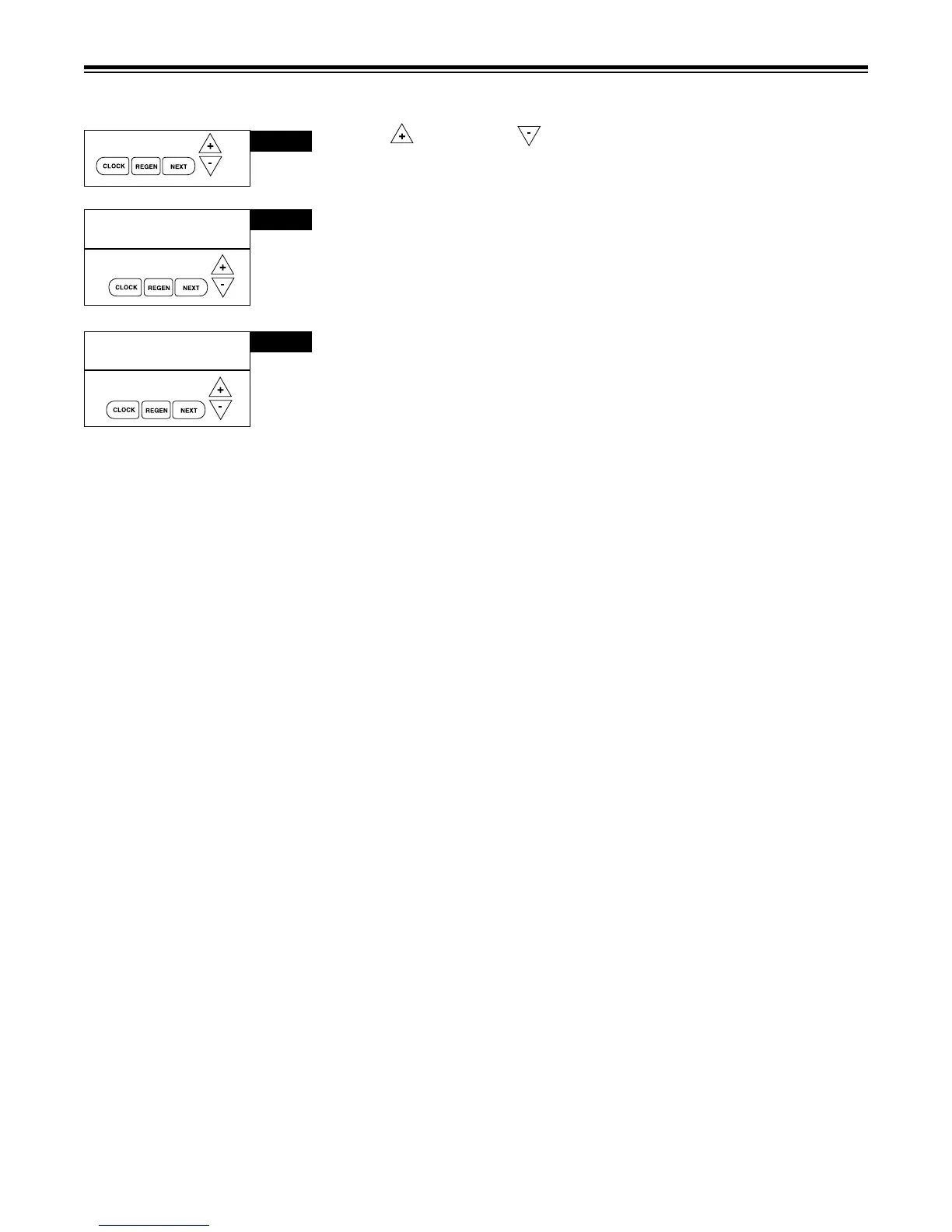
Step 1 - Press SET CLOCK.
Step 2 - Current Time (hour): Set the hour of the day using or buttons.
AM/PM toggles after 12. Press NEXT to go to step 3.
Step 3 - Current Time (minutes): Set the minutes of day using or
buttons. Press NEXT to exit Set Clock. Press REGEN to return to previous
step.
Power Loss - Lithium battery on circuit board provides up to 2 years of
time clock backup during power outages. If the power is out when battery
is depleted, only time of day needs to be reset, all other values are stored
in non-volatile memory. When time of day is ashing, replace lithium coin
type 2032 battery.
Battery back-up feature will be activated after 24 hours of power.
Do not forget to reset for daylight savings time.
SET TIME OF DAY
➔
STEP 1
➔
STEP 2
SET TIME
6:35
PM
➔
SET TIME
6:35
PM
STEP 3
SET
RETURN TO ROTATING DISPLAY



 To Next Page