USING YOUR HEOS LINK
Once you have your HEOS Link connected to your network and the HEOS app installed on your mobile device, it’s easy to start enjoying your favorite
music. You can listen to something different in every room or the same music perfectly synchronized in all rooms. It’s up to you!
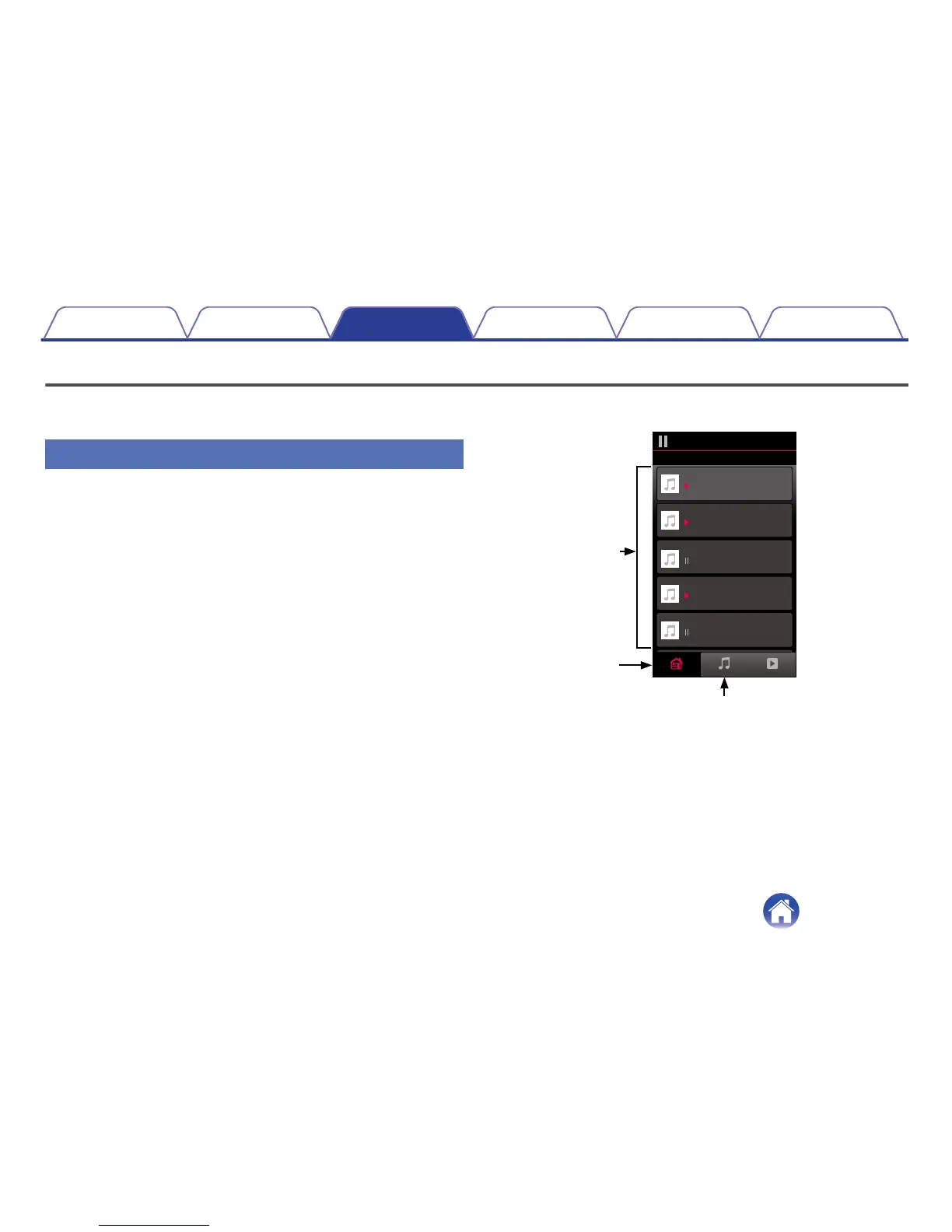
Selecting a Room
If you have more than one HEOS Link, you must tell the HEOS system
which one you want to control:
1
Tap the Rooms tab.
2
Select the Room you want to control.
3
Select the Music tab to select a music source or the
Now Playing tab to control what is currently playing in
the selected room.
.


 To Next Page