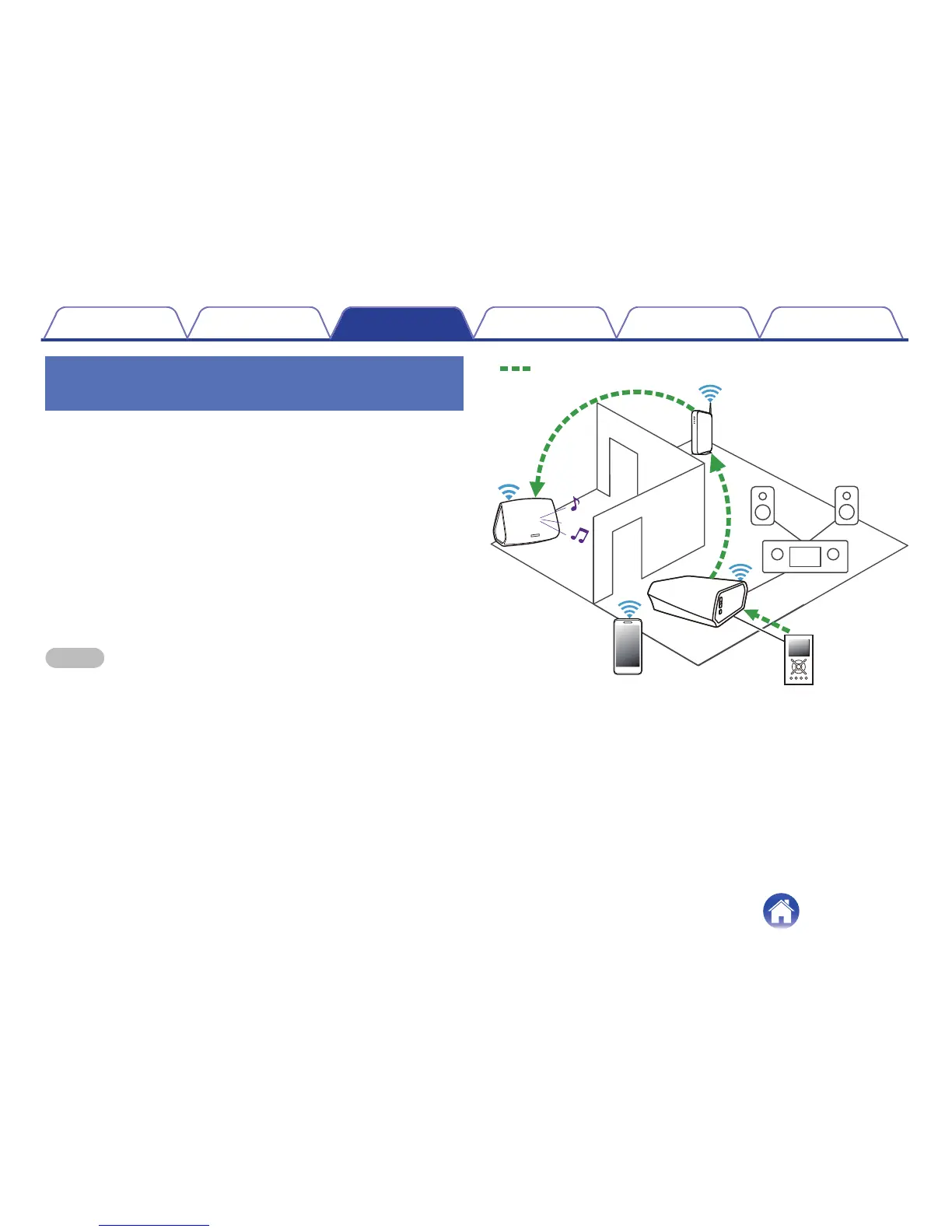
Streaming an external audio device to
any HEOS device
The sound from the audio device can be played directly on the selected
device or digitized and sent over your network to other HEOS devices.
1
Connect an external audio device to the digital optical,
analog RCA stereo or analog 3.5 mm stereo input on
the back of the HEOS Link.
2
Select “Inputs” from the Music tab.
3
Select the name of the HEOS Link and which input to
which you connected the audio device in step 1.
4
Initiate playback on the audio device.
NOTE
When a stereo audio cable is connected to AUX IN, the source automatically
switches to Inputs.
.


 To Next Page