MAKING ADJUSTMENTS
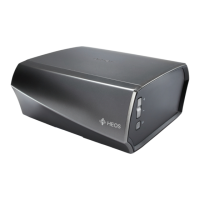
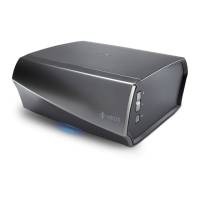
You can adjust specific settings for each of your HEOS Links in your
system:
1
Select the Settings a icon located in the upper left
corner of the main Music menu to display the Settings
menu.
2
Select “My Devices” to display a list of your devices.
3
Select the HEOS Link you want to adjust.
Changing the Name of a HEOS Link
1
Select “Name”.
2
Select or enter a new name for your HEOS Link.
3
Tap the “Next” to save your changes.
Changing the Wireless Network
Connection
1
Select “Network”.
2
A list of wireless networks that your HEOS Link can
access is displayed.
3
Select the network you want your HEOS Link to join.
4
Wait as the HEOS Link’s network connection is
changed.
NOTE
Wired networking is automatically selected when the device is connected to a wired
Ethernet network. To switch back to using a wireless network you must remove the
Ethernet cable from the back of the device.
Contents Setup Use Troubleshooting Status LED Appendix
36


 To Next Page