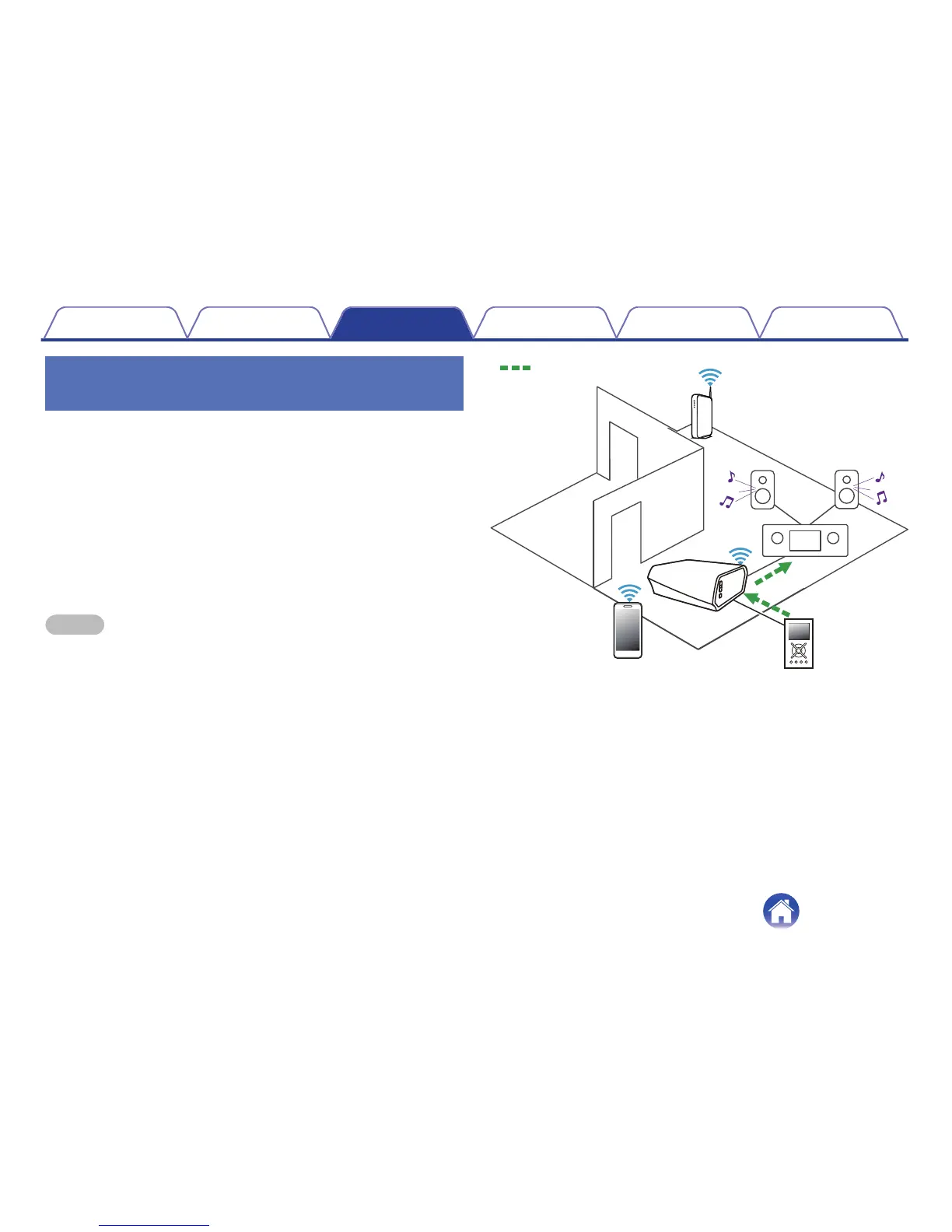
Playing music from an external audio
device
1
Connect an external audio device to the digital optical,
analog RCA stereo or analog 3.5 mm stereo input on
the back of the HEOS Link.
2
Select “Inputs” from the Music tab.
3
Select the name of the HEOS Link and which input to
which you connected the audio device in step 1.
4
Initiate playback on the audio device.
NOTE
When a stereo audio cable is connected to AUX IN, the source automatically
switches to Inputs.
.


 To Next Page