Connecting to a WPS Network
Solution Refer to Page
If your wireless router support WPS (Wi-Fi Protected Setup™) your HEOS wireless device can optionally connect to your network
using the “Push Button” method by following these steps:
1. Press the WPS button on your router.
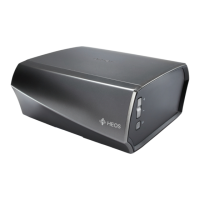
2. Within 2 minutes, rapidly press the Connect button 3 times (within 2 seconds of each press).
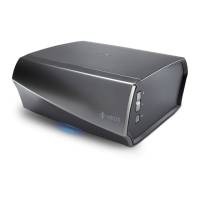
3. The LED on the front of the device will flash green for several seconds as it connects to your WPS router.
4. When the connection is complete, the LED on the front of the device will turn solid blue.
6
Contents Setup Use Troubleshooting Status LED Appendix
49


 To Next Page