Page 10 of 21 Digilance V 26 November 2018
File name: Digilance V_1.01
Version: 1.01
4 Standard Operation
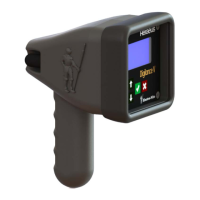
The four keys on the Digilance front panel are used to interact with the device:
• Exit
• Scroll Up
• Scroll Down
4.1 First Use
• To Activate the Digilance for the First Time, Press and Hold
o After the initial activation, the instrument will Power-On by movement
• Press to the access the Main Menu and the following options
o History
o Configuration Login
o Instrument Info
o Battery Info
o Wireless Info (optional)
• Prior to using the instrument, it is recommended to confirm the following instrument settings (See
Section ‘Instrument Configuration’):
Time Value Set in 24hr format
Date Value Set in DD/MM/YY format
The Measurement Cycle is Reset dependent on the
Measurement Mode
• DIP: Reset after the Thermocouple is replaced – For
use with Single-Use Probes
• MULTI: Reset when the Temperature drops by the
amount of the Stop Difference below the Start Condition
– For use with Multi-Use Probes


 To Next Page