Page 16 of 21 Digilance V 26 November 2018
File name: Digilance V_1.01
Version: 1.01
5 Instrument Configuration
Configuration can be accessed from the Main Menu.
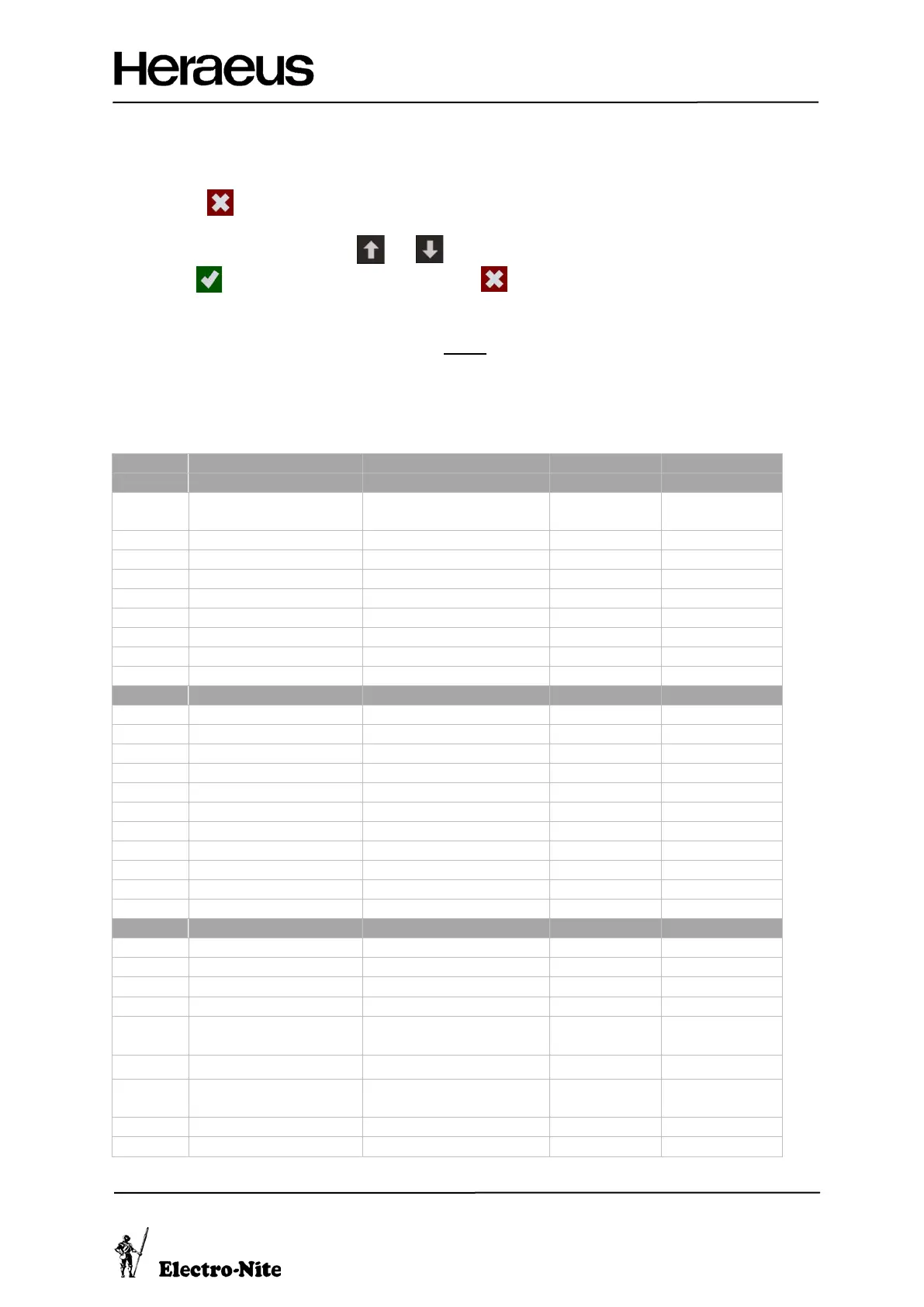
• Press to the access the Main Menu
• Select ‘Configuration’, and Login
• Scroll through the menu using and .
• Use to edit an item or confirm a selection and to cancel or exit the menu.
5.1 Configuration Login
• The standard password for the instrument is 2 4 4 8
• A special password is required to access the Administrator Section. Contact your local Heraeus Electro-
Nite sales representative to access these parameters.
5.2 Configuration Parameters
(L) (R)
… … … …
(R)


 To Next Page