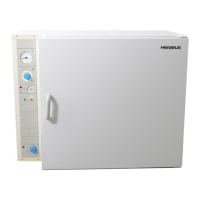
GENERAL SAFETY INSTRUCTIONS
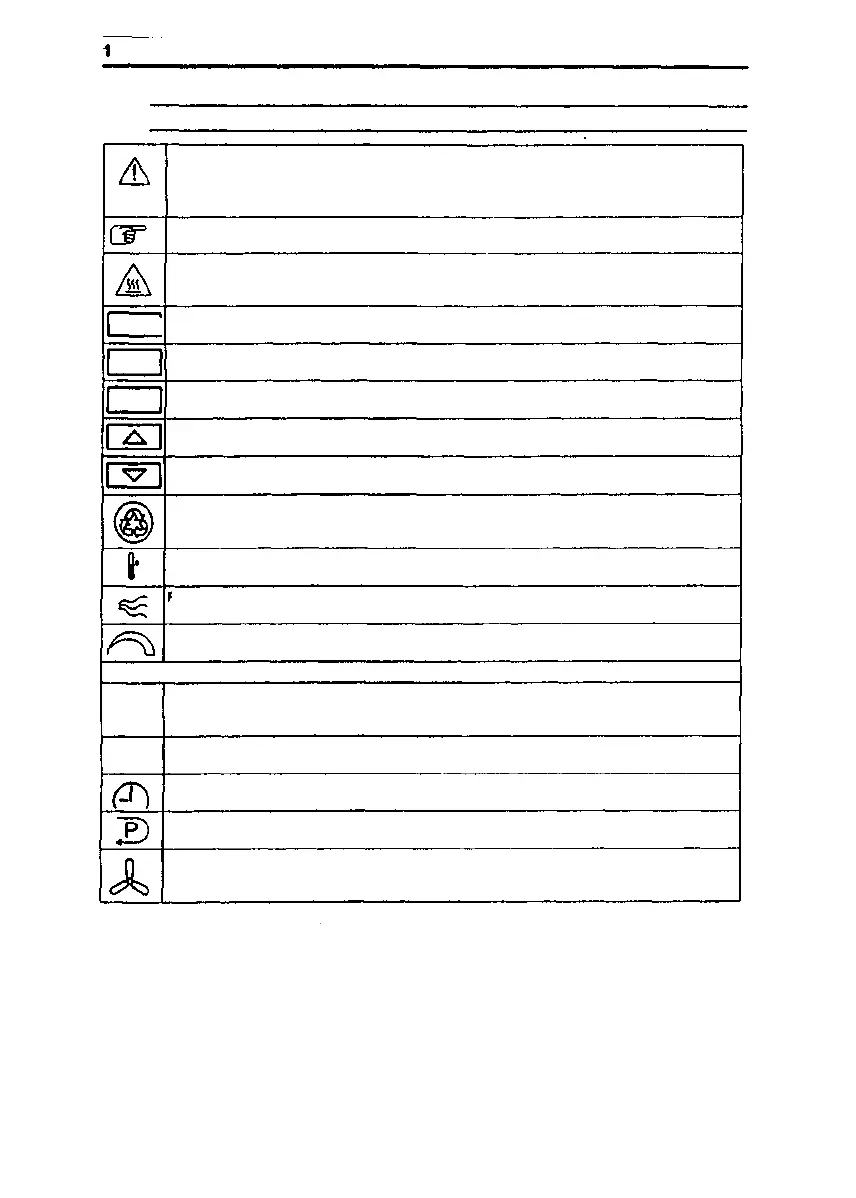
EXPLANATION OF ICONS
This symbol marks chapters and sections of this instruction manual which are particularly
relevant lo safety.
When attached to the unit, this symbol draws attention to the relevant section of the
instruction manual.
Marks information about optimum utilization of the unit in the instruction manual.
Warns of hot surfaces.
set I
Key for temperature selection, time-switch function and to confirm entered information
prog
Key for the programming function, lime selection and to confirm entered information
vent
Key to set the air speed and to confirm entered information
Value adjustment key, INCREASE VALUE
Value adjustment key, REDUCE VALUE
Information about proper disposal / recycling
Overtemperature protection device
:
resh-alr flap control
Continuous adjustment from minimum to maximum values
Quick reference guide to operation
o
Select the status of the control unit (enabled / disabled)
(T)
Temperature control function, select temperature
Time-switch function, sel the operating times
Programming function
Blower function
4/34 50 042 750 Issue: May, 1994


 To Next Page