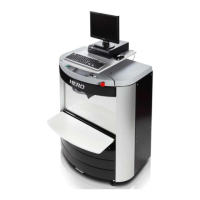
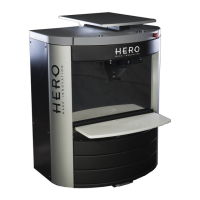
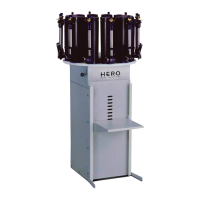
15
Power Supply Replacement
WARNING: Ensure that the machine is turned off
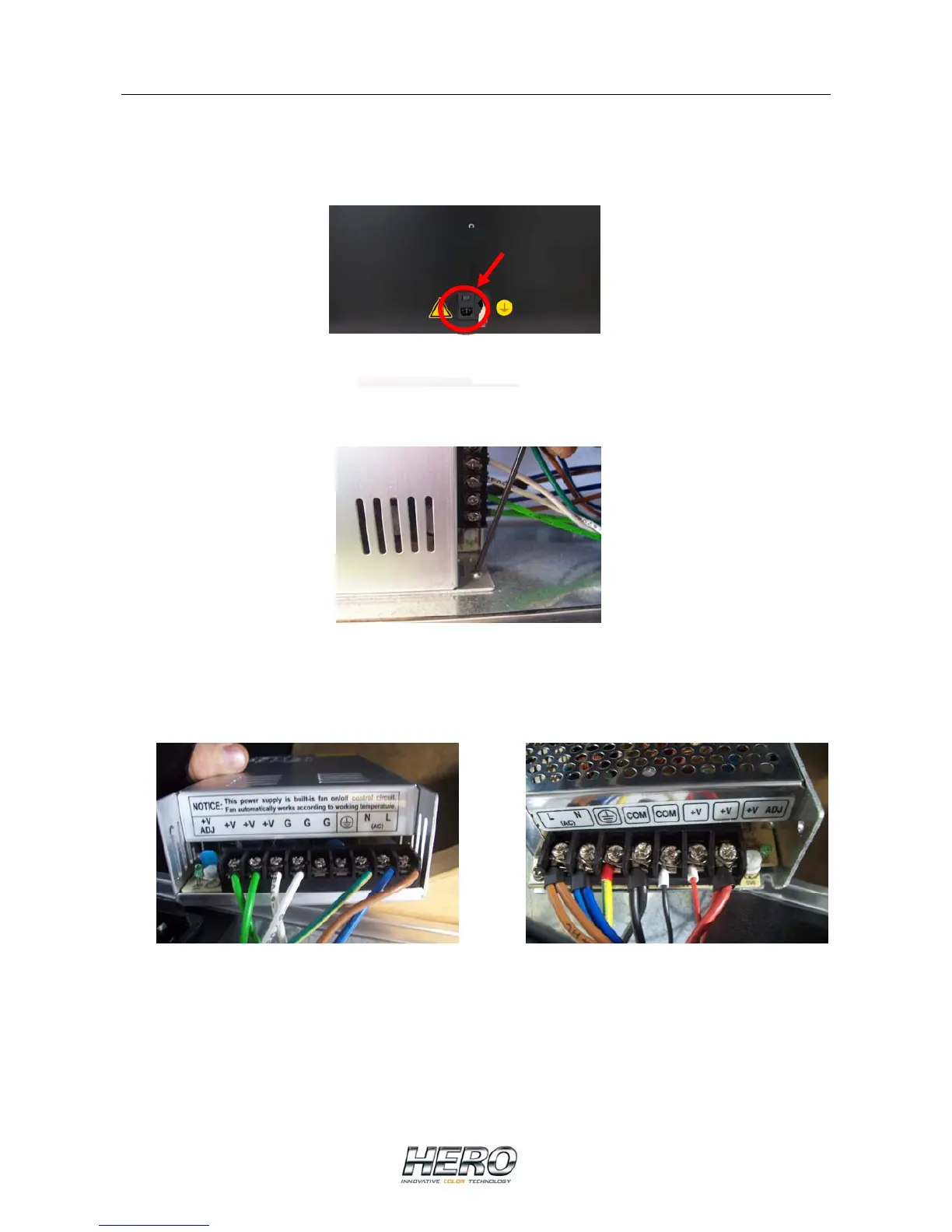
• To disconnect the machine’s power supply, pull the power plug out of the socket
• Remove the rear cover
• Remove the screws on the sides of the power supply with a wrench
• Remove the power supply, take note of which colored wire is connected to which
terminal and disconnect the wires
• Install the new power supply ensuring that each wire is connected to the correct
terminal
67VDC 24VDC
• Secure the new power supply to the machine with the original screws
• Replace the rear cover


 To Next Page