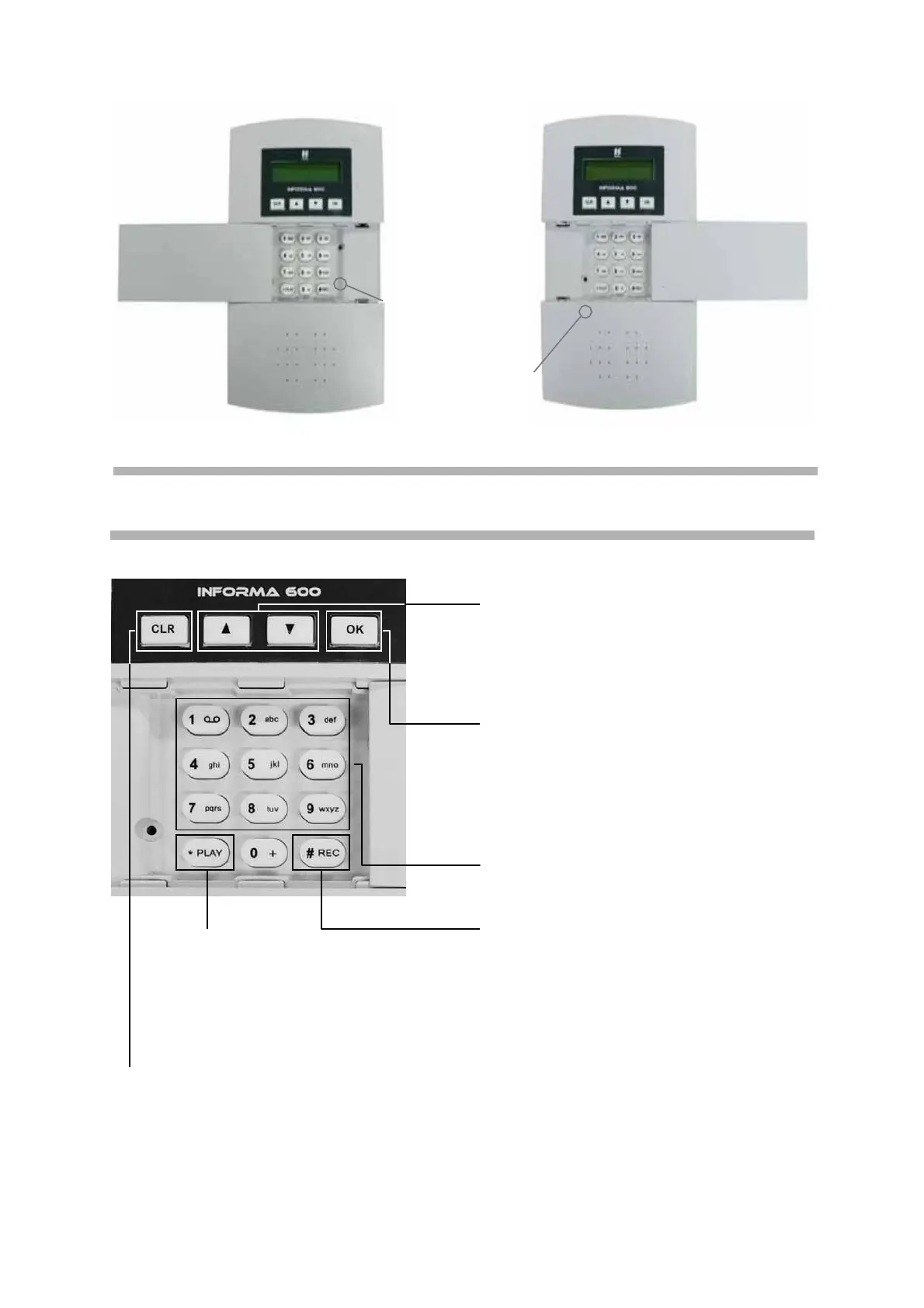
Left and right door opening with the indication to the cover opening locking screws
Cover
opening
locking
screw
Cover
opening
locking
screw
KEY PAD
• to run upwards and downwards
in the menu, and to decrease or
increase the voice or ring-tone
volume.
• to confirm the programming and
to access the menu. Besides, it is
used to make calls and answer
them.
• to enter digits and letters.
• to listen to recorded alarm
messages and select
capital/small letters.
• to record alarm voice messages
and to shift from letters to digits.
• to cancel a programming and to return to the previous menu, and to end or
refuse a call.
6
INFORMA
600
-
Multifunction phone dialler with voice synthesis



 To Next Page