EasyManua.ls Logo

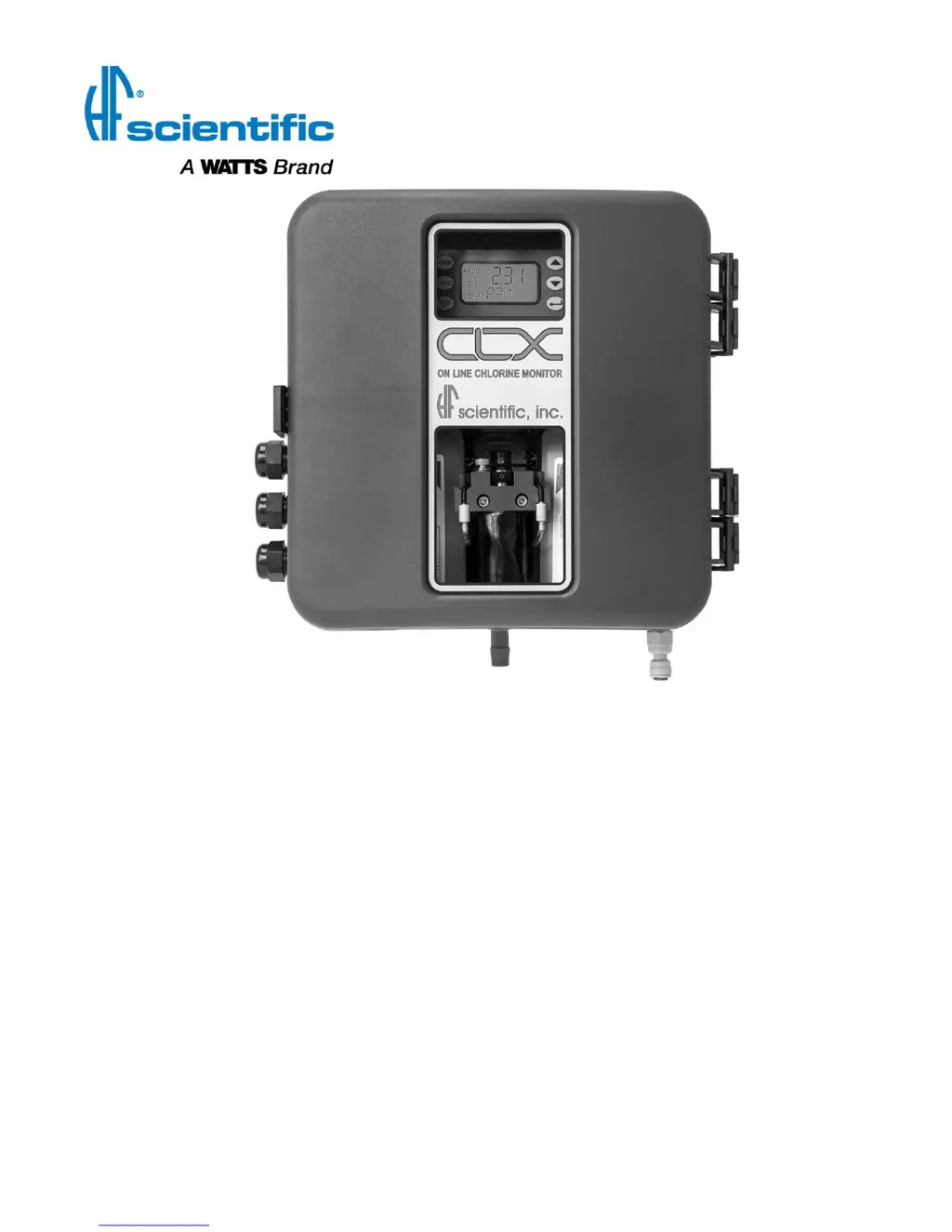
HF Scientific CLX - User Manual

HF Scientific CLX
40 pages
Print Icon
To Next Page IconTo Next Page
Loading...
Catalog #24420 (4/18)
REV 6.0
OWNER’S MANUAL
CLX OnLine Residual
Chlorine Monitor
HF scientific
3170 Old Metro Parkway
Ft. Myers, FL 33916
Phone: 239-337-2116
Fax: 239-332-7643
Toll Free: 888-203-7248
Email: HF.Info@Wattswater.com
Website: www.hfscientific.com

Table of Contents

Questions and Answers

  • S
    Sharon AdamsAug 20, 2025
    Why are the readings lower than expected on my HF Scientific CLX Measuring Instruments?
    • W
      Wendy CollinsAug 20, 2025
      Lower than expected readings on your HF Scientific Measuring Instruments can be caused by several factors: * Condensation or a leaky measurement cuvette. To fix this, install a desiccant cartridge kit. * A dirty measurement cuvette. Clean or replace the cuvette. * Bad or expired reagents. Replace the reagents. * The buffer reagent is not being dispensed. Check the buffer lines and check valves.
  • J
    James PowellAug 22, 2025
    What to do if readings are erratic on HF Scientific CLX?
    • W
      William BaldwinAug 22, 2025
      Erratic readings on HF Scientific Measuring Instruments can be due to: * Bubbles in the solution. * Debris in the flow. To resolve this, install a T strainer at the inlet.
  • S
    Stacy HowardAug 25, 2025
    What to do if the lower display shows MA on HF Scientific CLX?
    • K
      Kathleen SmithAug 25, 2025
      If the lower display shows 'MA' on your HF Scientific Measuring Instruments, it indicates a 4-20 mA loop open. Check the wiring.
  • J
    John JohnsonAug 26, 2025
    What to do if reagents expired in HF Scientific CLX?
    • D
      Dr. Alice Ewing MDAug 26, 2025
      If the reagents have expired, replace them and press PRIME.
  • R
    robertdoyleAug 28, 2025
    What to do if the sample cuvette is filling too slowly in HF Scientific CLX Measuring Instruments?
    • K
      Katherine LoweryAug 28, 2025
      Check the water flow to resolve the issue.
  • F
    fhenryAug 30, 2025
    What to do if the sample cuvette is not purging in HF Scientific CLX?
    • J
      jpachecoAug 30, 2025
      Check the drain lines.
  • K
    kwilliamsSep 1, 2025
    What to do if the sample cuvette has a slow purge in HF Scientific CLX?
    • S
      Samantha BlackSep 1, 2025
      Check the drain lines.
  • D
    drobertsSep 3, 2025
    How to fix a dirty cuvette in HF Scientific CLX Measuring Instruments?
    • M
      martinezdavidSep 3, 2025
      Replace or clean the cuvette.
  • M
    Mary Mcclure DDSSep 5, 2025
    What to do if CLX cannot determine water level in HF Scientific Measuring Instruments?
    • R
      Rebecca ReedSep 5, 2025
      Check the water flow.
  • A
    Amanda FarleySep 7, 2025
    What to do if the intake water flow is too fast in HF Scientific CLX?
    • I
      ilewisSep 7, 2025
      Set the flow rate; see section 4.2.1.

Summary

Safety Precautions and Symbols

Installation and Commissioning

Mounting and Site Selection

Guidelines for selecting an appropriate location and mounting the CLX instrument securely.

Plumbing Connections

Instructions and recommendations for connecting the CLX instrument to water sample and drain lines.

Electrical Connections

Instrument Operation

Routine Measurement Process

Steps for performing a standard chlorine measurement and interpreting the CLX display.

Instrument Calibration

Slope (Gain) Calibration

Procedure for adjusting the CLX's slope or gain based on external measurements.

Zero (Offset) Calibration

Procedure for performing a zero adjustment on the CLX using chlorine-free water.

Restore Factory Settings

Instrument Configuration Mode

Setting the 4-20 mA Output

Configuration options for enabling and setting the 4-20 mA analog output signal.

Configuring the Error Level

Setting the error level (ERLV) for the 4-20 mA output to indicate instrument problems.

Configuring the RS-485 Port

Configuring Alarms

4 mA Adjustment

20 mA Output Adjustment

Procedure for fine-tuning the 20mA output signal to match system requirements.

Troubleshooting Guide

CLX Fault Detection Levels

Explanation of the CLX's diagnostic monitoring and fault severity levels.

Setting Flow Rate

Procedure for adjusting the instrument's flow rate if variances occur.

Reagent Clogs and Flow Issues

Diagnostic Chart for Symptoms

A chart correlating symptoms with causes and cures for common CLX issues.

Technical and Customer Assistance

Contact information for HF scientific technical service and customer support.

Routine Maintenance Schedule

Replacing or Installing Reagents

Product Warranty Information

HF Scientific CLX Specifications

General IconGeneral
BrandHF Scientific
ModelCLX
CategoryMeasuring Instruments
LanguageEnglish

Related product manuals