Qmini series industrial GIS data collector manual
- 21 -
3. Software connect
After conneting cable, Microsoft ActiveSync in computer will popup connecting tips, and then prompt
“build up partership or not? ” select”Cancel”. Then Microsoft ActiveSync popup one tip, press”OK”. Now
connecting is successful. If it is the first time to connect, the computer will prompt you to install driver,
follow the computer instruction to install the driver. The driver is in “Driver program\ industrial GIS data
collector Driver” from CD.
4. Download data
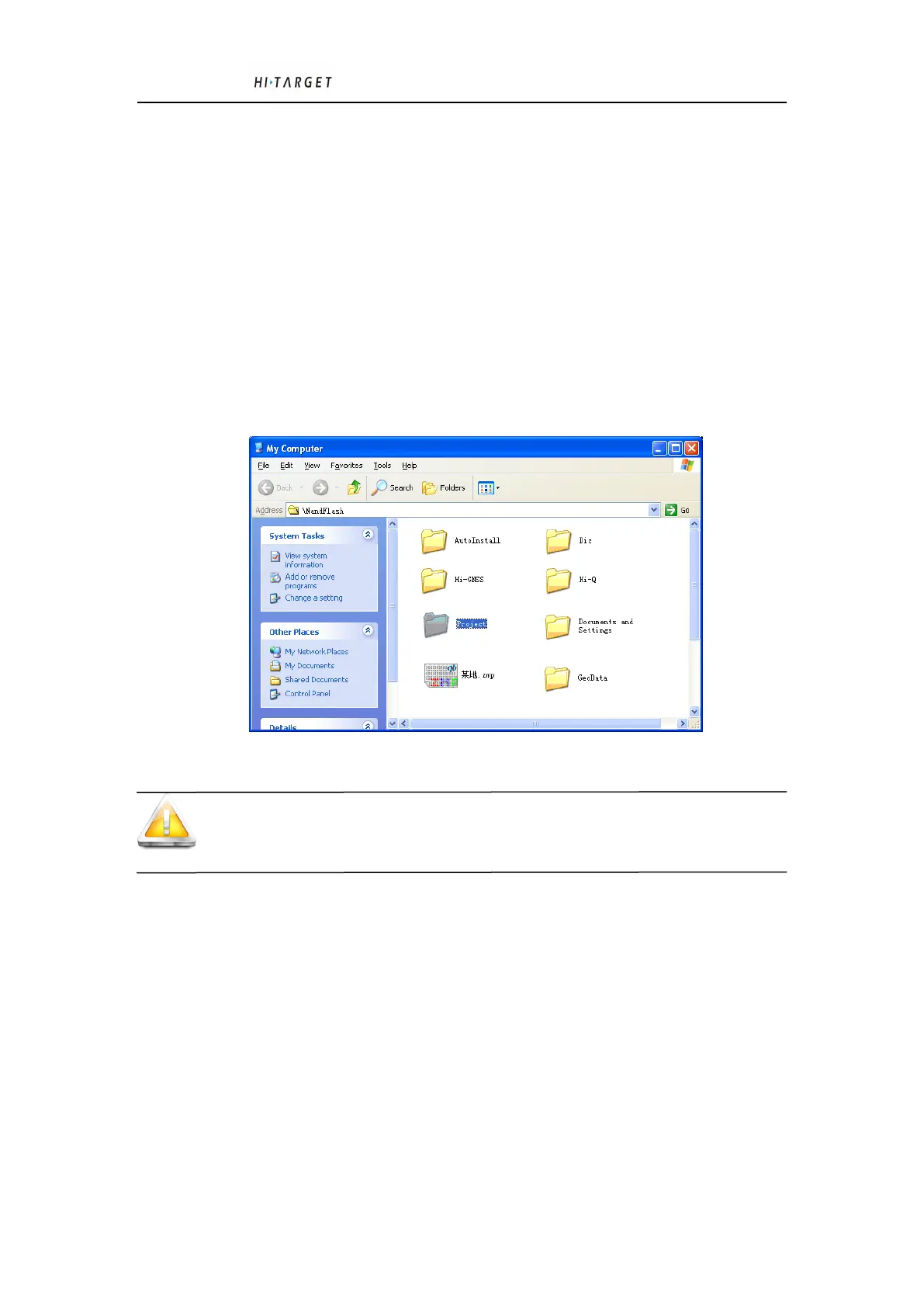
Click Microsoft ActiveSync “Browse” button, open Asset Browser in Qmini series industrial GIS data
collector, see figure 4-20, go into NandFlash related directory to copy the data to your computer.
Figure4-20 WinCE Asset Browser Screen
Tips: The collecting data or new installing software must save in NandFlash or MicroSD card,
otherwise, industrial GIS data collector data will be lost after Re-start.
4.9 Application Function
Qmini series industrial GIS data collector adopts PPP technology(The technology is adapt to
Qmini3P model),built-in navigation function,digital camera, microphone, 3G communication module(This
function is adapt to Qmini3 and Qmini3P )etc. , but first you have to install the related software. There ’s
Hi-Q software in Qmini series industrial GIS data collector, About how to operate the above application
functions with Hi-Q software, please refer to Hi-Q software instruction manual.



 To Next Page
 Loading...