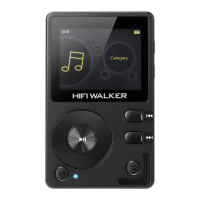
Tap the "play mode" to choose playing way from:
Playlist, Single play, Shuffle, and List loop.
2) Memory play
Tap "Memory Play" menu to to choose memory mode
from: Close, Track and Position.
3) Maximum volume
Tap the icon to set up the maximum volume from 0-32
by dragging the progress bar.
Save the volume
When it is ON, it will memorize and store the shutdown
volume. And its start-up volume will always be same as
last shutdown volume.
4) Equalizer
Tap "Equalizer" icon to fast choose equalizer from:
Custo, Voice, Popula, Jazz, Rock, Metal, Classic, Dance,
Sad, Close.
5) Digital filter
Choose from Fast Roll-off, Slow Roll-off and Minimum
Phase for audio quality fine-tuning.


 To Next Page