1. Connect to the computer.
Please connect MP3 and USB socket of
computer with the provided USB cable
to download & upload files.Once
connected, speaker will enters into U
disk mode.
For the first connection, the computer
will prompt you some instructions such
as "Create a driver information base"and
"Find new hardware ". Once finished,
the speaker could be automatically
detected.
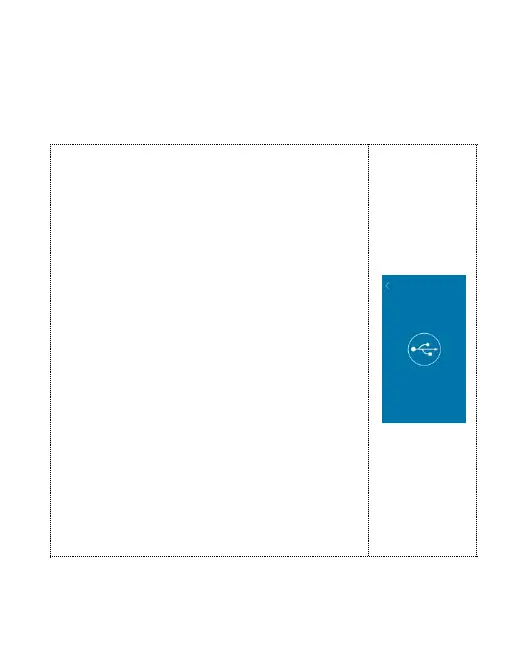
When there is reminder as right image, it
connected successfully..


 To Next Page