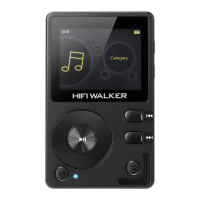
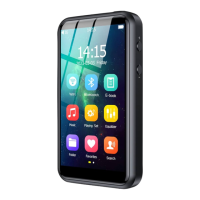
720*1280 resolution. which could be selected
9. System upgrade
It supports OTA upgrade. When new firmware is
officially released, the system will be automatically
upgraded under WIFI connected status.
Tips: The battery should be higher than 50%.
10. Product information
The product details including model, RAM, ROM,
external flash,software version and serial number will be
displayed.
11. Restore default set.
Factory setting: the factory setting can be restored.
12. Format disk
Format TF Card or Built-in Storage.
Note: All data cannot be recovered after formatting.
please pay attention to backup.


 To Next Page