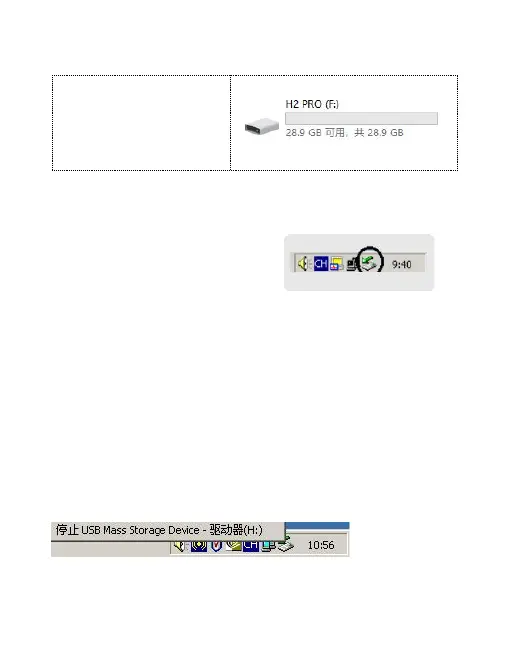
2. Upload and download files
It will show as right
image in Windows
system.
3. Disconnect from the computer
After file transfer finished,
please turn off "My
computer" or "File explorer"
firstly, then unplug the connecting cable as follows.
For Windows 2000 and above, please operate system as
below instructions:
Click the green arrow in the lower right corner of your
computer.
Click"stop USB Mass Storage Device Disk-drive".
Click "OK" in the dialog box of "Safely remove


 To Next Page