hardware", then unplug the USB cable.
4. Batteries and charging
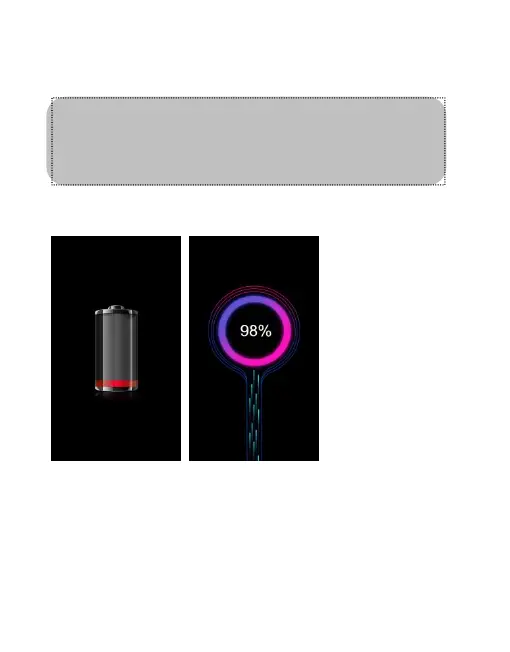
Check the remaining battery power after start-up. If
in low power, please charge it in time to ensure
normal use! When the system enters the low-power
state, there will be low-power reminder and will be
Note: Different operating system may have
slight change. The above picture is for
reference only.



 To Next Page