6) List update
When it is on, the player will automatically search and
update the play-list the next time it is turned on.
7) Delete the current file
Tap "Delete Current File" icon to delete the selected file
from current play-list.
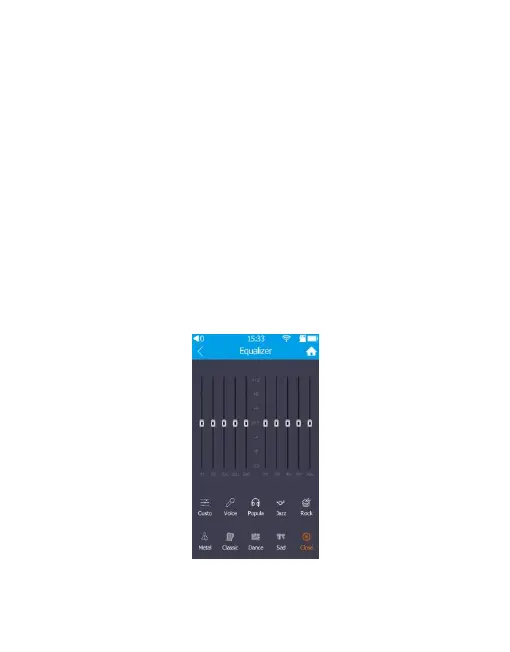
3. Equalizer
On the main interface, tap "Equalizer" icon to fast


 To Next Page