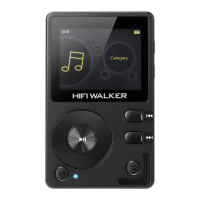
"power" key for 8 seconds to reset the system and
restart it. If it still fails to start,please check the power
status.
-No sound when playing the song
Please turn up the volume
Please download the music file
-Music files are unable to download after connected
Please upgrade the motherboard driver.
-Computer abnormal when plugging and unplugging
the player
Please do NOT disconnect during file transfer progress
-Overall memory display is inconsistent with the
actual memory.
Some memory space is used to store programs and
display fonts.


 To Next Page