ENGLISH
20
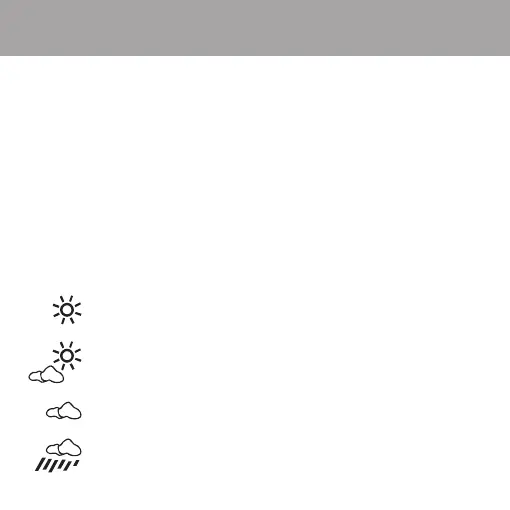
12-Hour Weather Forecast Icons
The weather forecast icon will be updated automatically every 12 hours.
The weather forecast icon will appear in the following mode views:
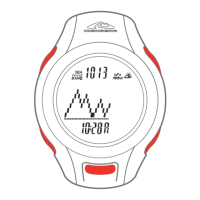
TIME mode - MONTH / DAY view and DAY OF WEEK view
ALTI-BARO mode - TIME / Sea-Level BAROMETER / Absolute BAROMETER view
NOTE: The weather forecast cannot be active while altitude is displayed on the watch.
You must scroll to a view that does not have altitude to ensure an accurate forecast.
NOTE: If you wear the watch on a daily basis in TIME or ALTI-BARO mode with altitude display, you
must scroll to a view without altitude to begin the forecasting process. This process takes 12 hours.
NOTE: Daily use inside a moving car or pressurized room will affect the forecast.
The forecast is designed for extended outdoor use.
Weather Forecast Icons
Sunny
Partly Cloudy
Cloudy
Rain


 To Next Page