HighPoint NVMe Boot RAID Windows Installation Guide
15
Trouble shooting
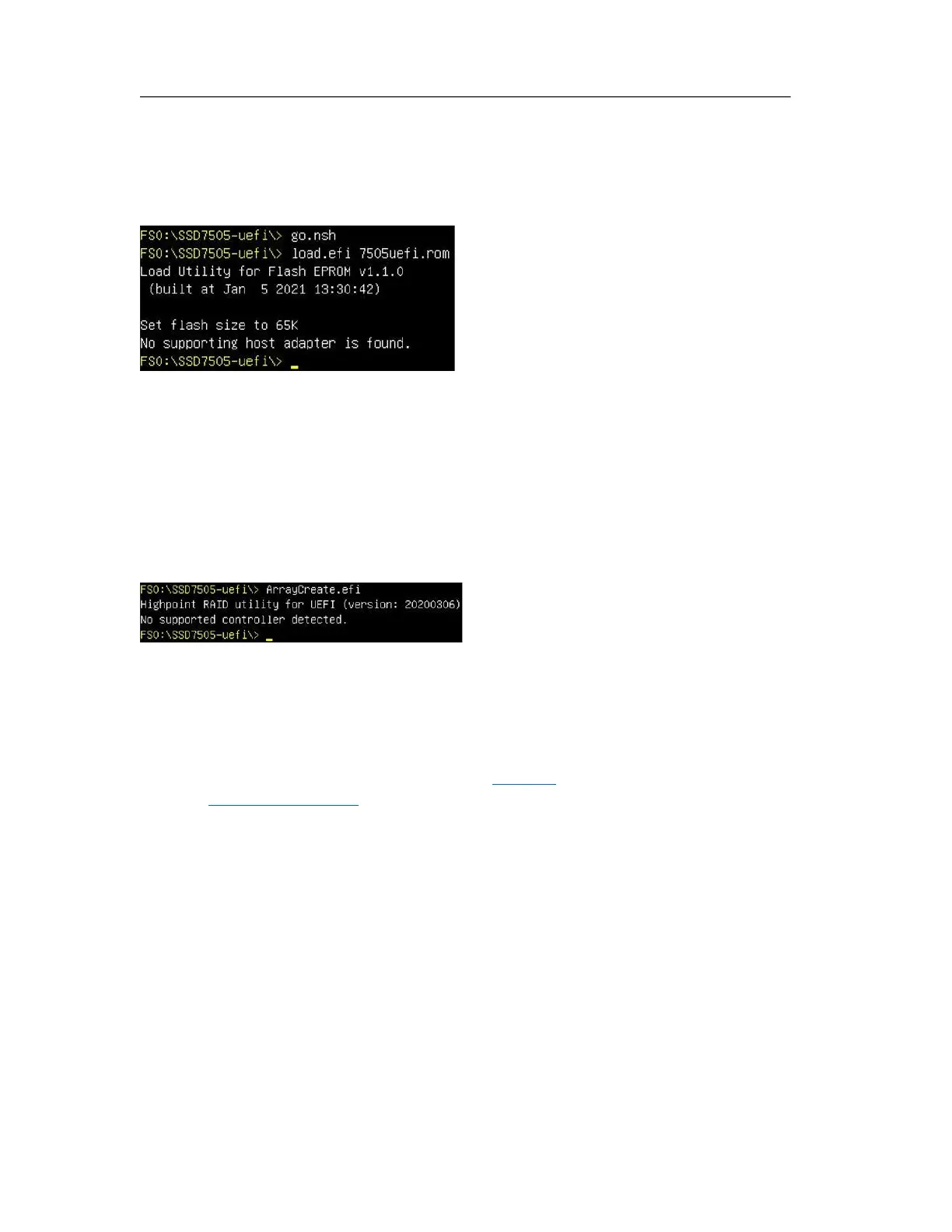
No supporting host adapter is found
In the UEFI environment, run the command, " go.nsh (Please see UEFI Read me for specific
input content.)".
Solutions: If you get the message, "No supporting host adapter is found. "Try the following,
a. The error message is to remind the user that when the card cannot be found in UEFI. Make
sure the NVMe product is installed into a PCIe slot with x8 or x16 lane.
b. In order to avoid this slot is broken, so replace the slot and test again.
No supported controller detected
In the UEFI environment, run the command, "ArrayCreate.efi".
Solutions: If you get the message, "No supported controller detected." Try the following,
a. Check whether the Storage option ROM is Enabled in the motherboard BIOS.
b. Check whether NVMe is connected to the controller.
c. Replace the motherboard slot, enter the UEFI environment and re-enter the command.
If none of the above methods work, please provide UEFI log. You can submit a support ticket
using our Online Support Portal, include a description of the problem in as much detail as
possible.















 To Next Page