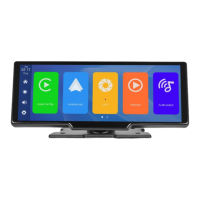
There is no need to touch the screen by hand, and the corresponding operation can be
realized only by voice command.
Opening method: setting - voice control - clicking anywhere - opening voice control -
speaking command can realize corresponding operations.
The following commands are supported: Show front camera / Show rear camera / Turn
on display / Turn off display / Show all cameras


 To Next Page