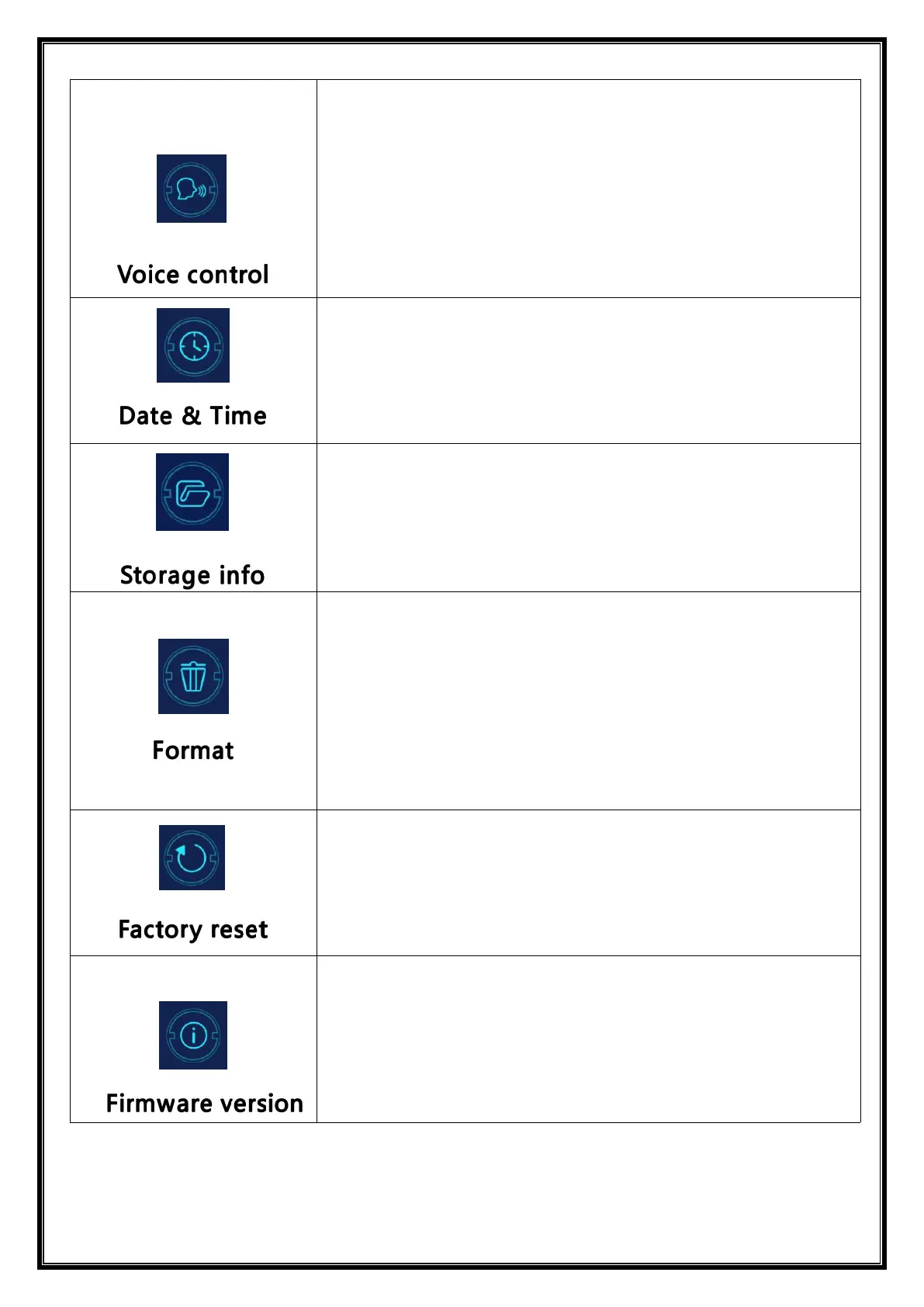
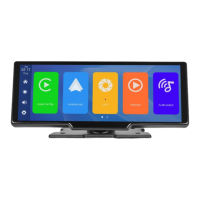
Click [Voice Control] to enter the settings:
Voice control commands are: show front camera / Show rear
camera / Turn on display / Turn off display / Show all cameras
5 control commands, after opening the option, in the video
interface, say the corresponding command entry, the system
will perform the corresponding operation.
Click on [Date & Time] to enter the settings:
Set up separately: year / month / day / time / minute / second /
12H system / 24H system
Can view the memory card capacity
Click [Format] to enter the settings:
This option formats all data information inserted.
It is recommended to manually form format the first insert SD
card to ensure sufficient card capacity.
Note: It is recommended that users manually format the SD
card regularly.
Click [Factory reset] to enter the Settings:
Restore the factory settings, and you restore all
the settings to the initial state.
Click on [Firmware version] to enter the menu:
This option is available in the current basic version for easy
confirmation.


 To Next Page