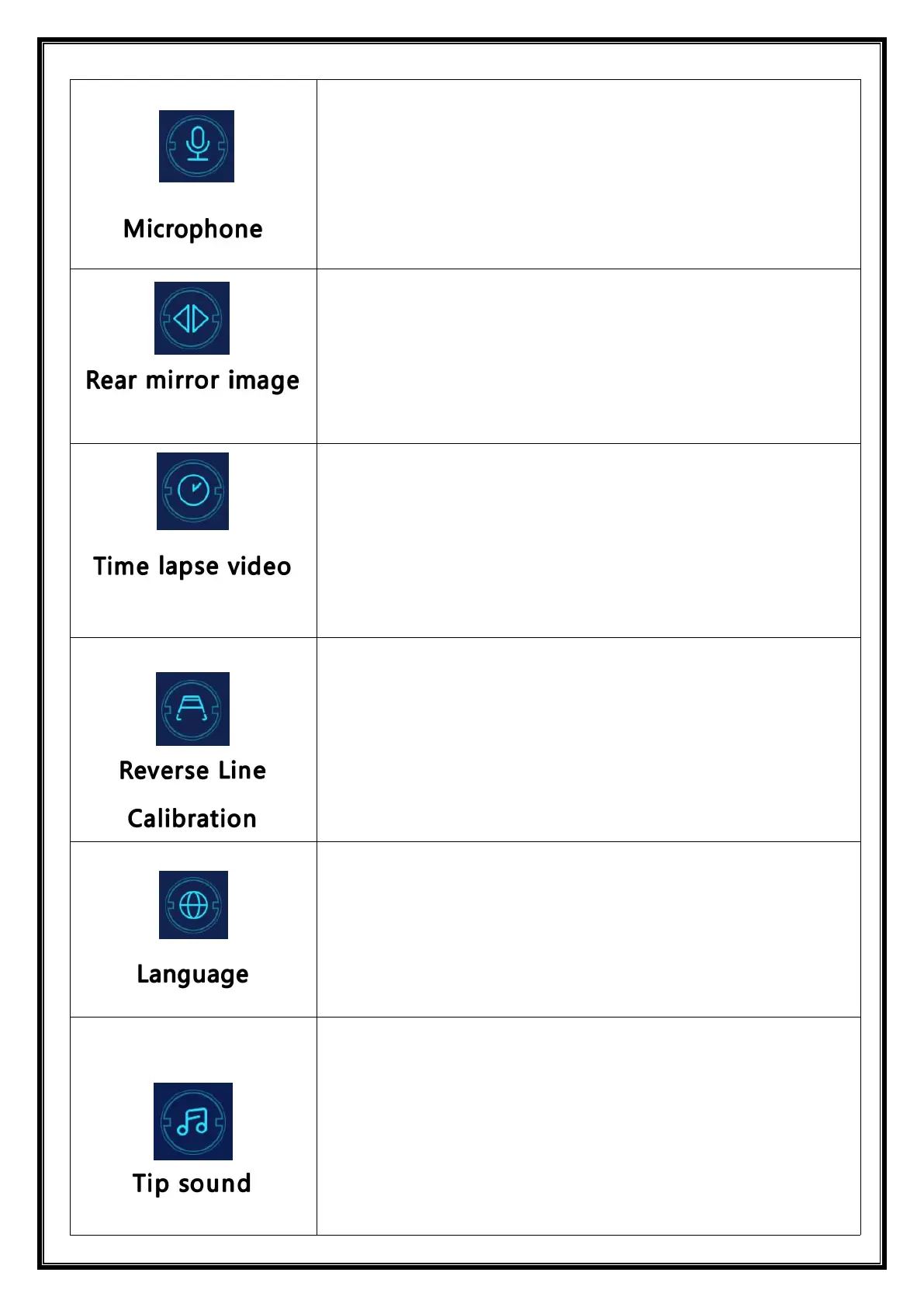
Click [Microphone] to enter the settings:
You can choose to close or open.
You can choose to close or open.
This option makes it easier for customers to install the camera
flexibly.(just for rear camera)
See the instructions below.
See the instructions below.
Click [Language] to enter the settings:
Language can be set up: Simplified Chinese / Traditional
Chinese / English / Russian / Spanish / French / German /
Japanese / Korean / Italian / Portuguese etc.
Click on the [Reminder tone] to enter the settings: you can
choose to turn it off or on.
After selecting off, the power on sound effect and touch and
button sound effects will be turned off.
(Different models may have different options, subject to the
actual product)


 To Next Page