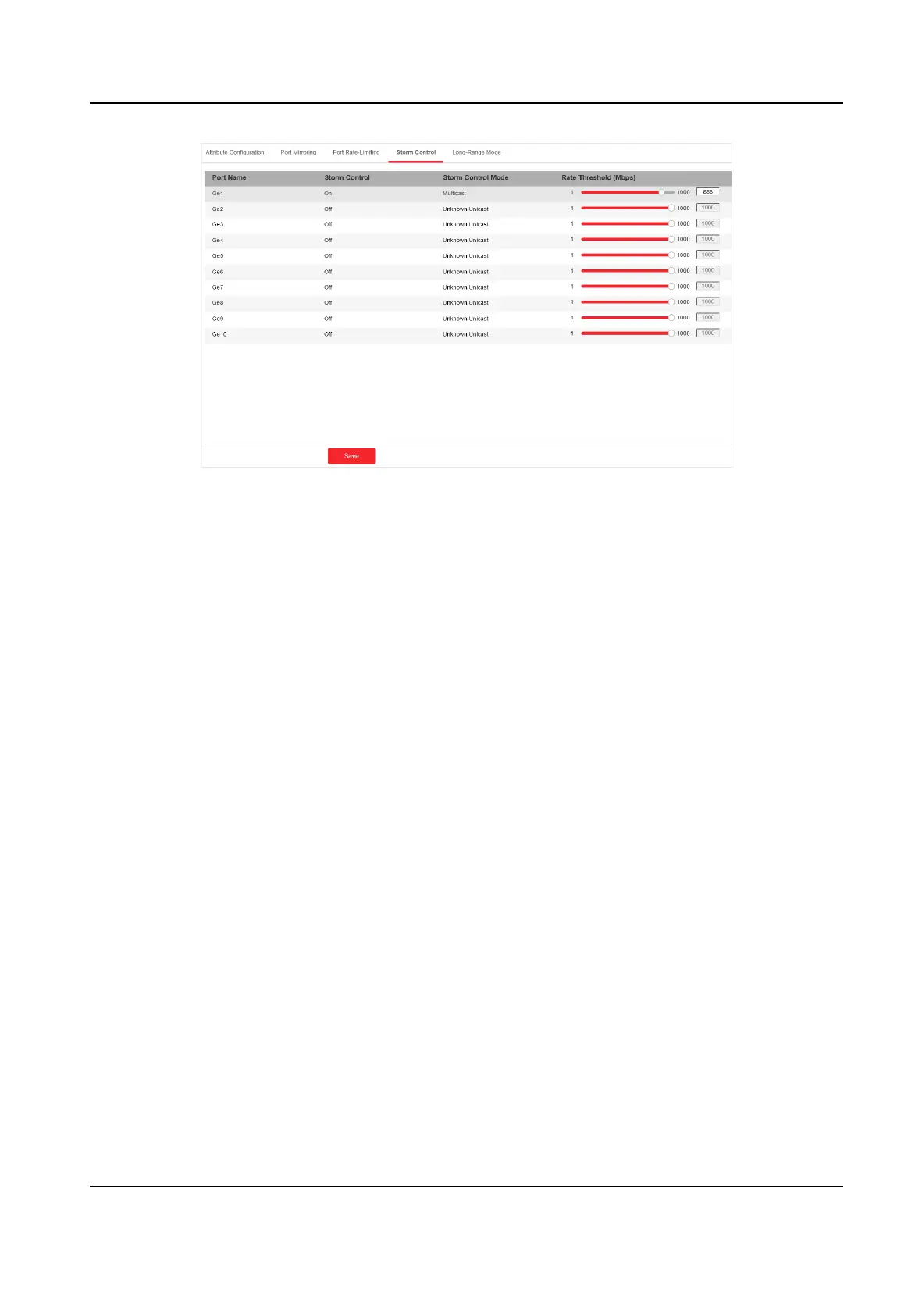
Figure 4-4 Storm Control
2. Select the port on which you want to enable storm control. Congure Storm Control as on.
3. Congure Storm Control Mode as Broadcast, Mulcast, or Unknown Unicast. The threshold
applies to the chosen mode.
4.
Congure the number of frames in Mbps that you want the port to handle in Rate Threshold.
5. Click Save to complete the
conguraon.
4.1.5 Long-Range Mode
Conguraon
When long-range mode is enabled, the transmission distance of the port can reach 300 meters,
and the rate is 10 Mbps.
Steps
1. Go to Switch
Conguraon → Basic Conguraon → Port Conguraon → Long-Range Mode .
Gigabit PoE Switch Web User Manual
11


 To Next Page
 Loading...