Chapter 5 System Management
5.1 Time Sync
Steps
1. Go to System
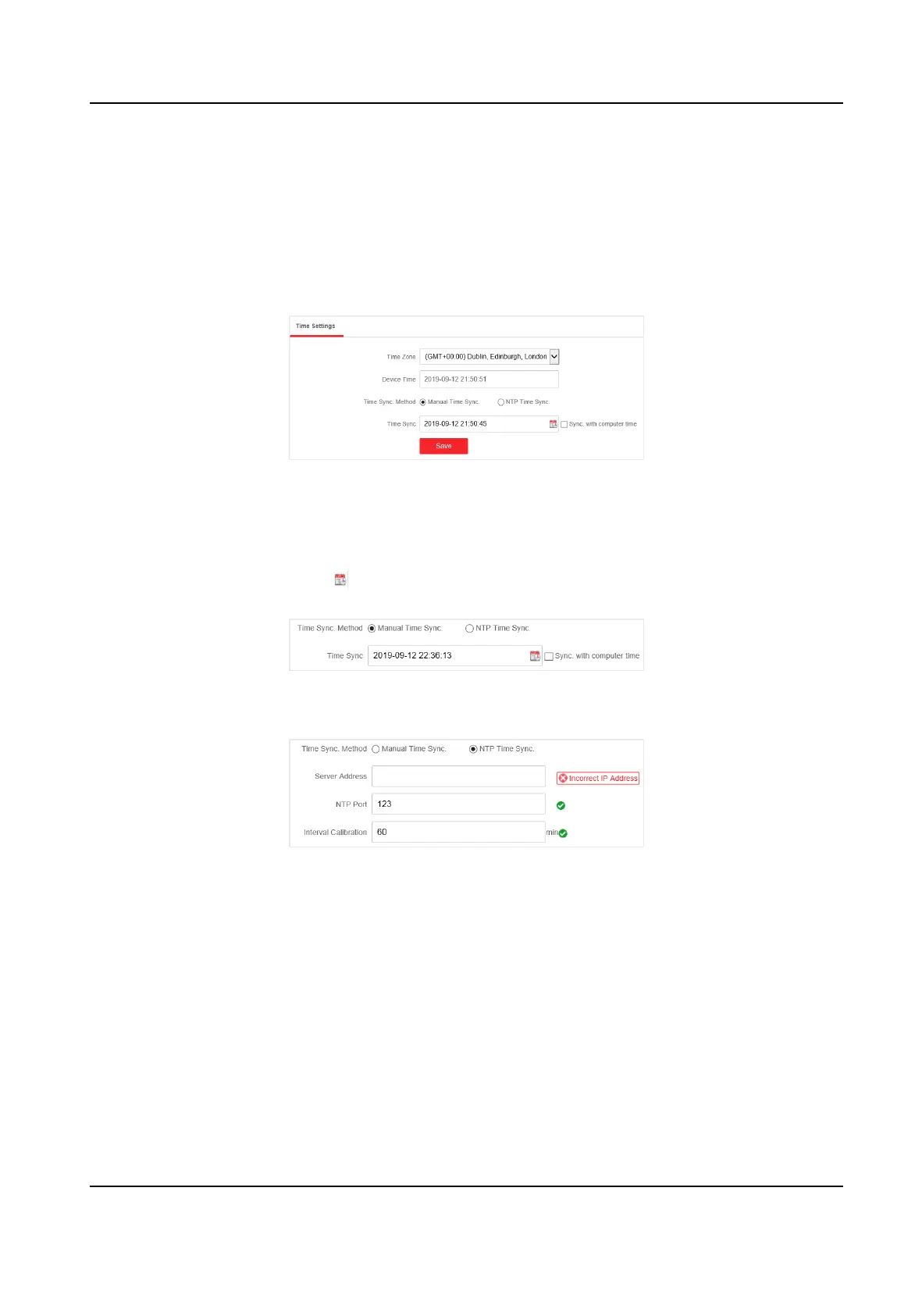
Sengs → Time Sengs . You can view the Device Time.
Figure 5-1 Time Sengs
2. Select Time Zone.
3. Select Time Sync. Method
4. Set me synchronizaon mode.
-
Manual Time Sync.: Click
or check Sync. with computer me to synchronize the device
me.
Figure 5-2 Manual Sync
-
NTP Time Sync.: Enter the NTP Server Address, and set the me sync. interval.
Figure 5-3 NTP Sync
5. Click Save.
5.2 Device
Operaon
When the switch malfuncons or fails to work properly, you can go to System Management →
System Maintenance → Device
Operaon to restart or restore the switch.
Gigabit PoE Switch Web User Manual
26



 To Next Page
 Loading...