User Manual of Network Video Recorder
148
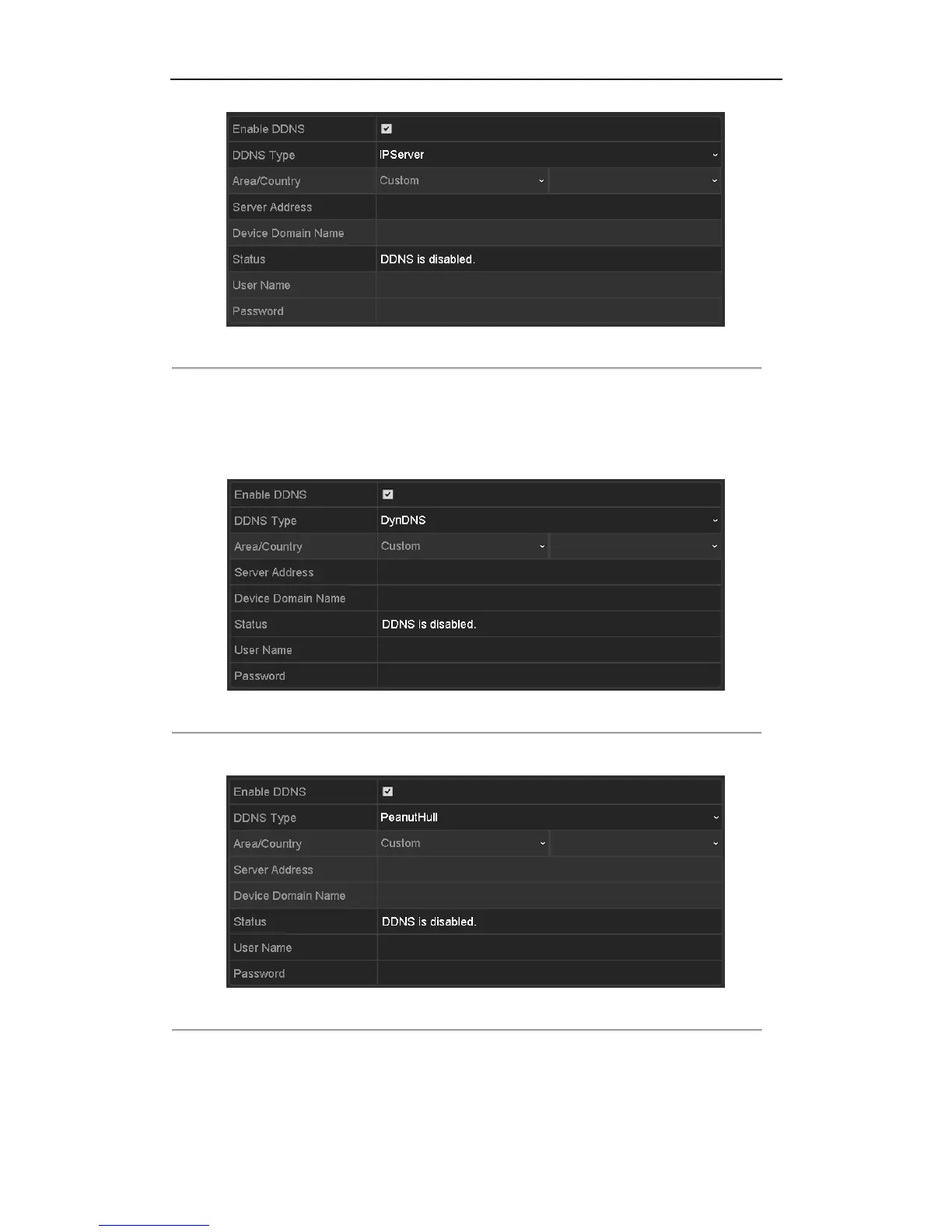
Figure 11. 5 IPServer Settings Interface
• DynDNS:
1) Enter Server Address for DynDNS (i.e. members.dyndns.org).
2) In the NVR Domain Name text field, enter the domain obtained from the DynDNS website.
3) Enter the User Name and Password registered in the DynDNS website.
Figure 11. 6 DynDNS Settings Interface
• PeanutHull: Enter the User Name and Password obtained from the PeanutHull website.
Figure 11. 7 PeanutHull Settings Interface
• NO-IP:
Enter the account information in the corresponding fields. Refer to the DynDNS settings.
1) Enter Server Address for NO-IP.






 To Next Page