All-in-One Server Quick Start Guide
9
Chapter 2 Installation and Connections
2.1 Installation
During installation of the NVR:
Use brackets for rack mounting.
Ensure ample room for audio and video cables.
When routing cables, ensure that the bend radius of the cables are no less than five times than
its diameter.
Connect the alarm cable.
Allow at least 2cm (≈0.75-inch) of space between racks mounted devices.
Ensure the NVR is grounded.
Environmental temperature should be within the range of -10° C to +55° C (+14° F to +131° F).
Environmental humidity should be within the range of 10% to 90%.
2.2 HDD Installation
Purpose:
16 3.5-inch HDDs can be installed in storage board. Four 2.5-inch HDDs can be installed in server
board.
Before you start:
Disconnect the power from the device before installing a hard disk drive (HDD). A factory
recommended HDD should be used for this installation.
Tools Required: Screwdriver.
2.2.1 Installing HDD in Storage Board
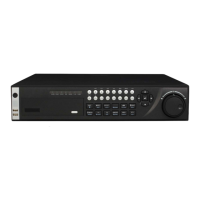
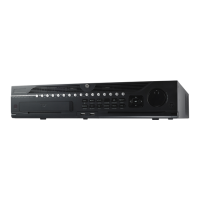
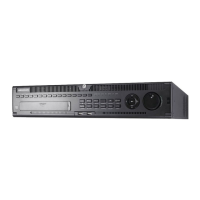
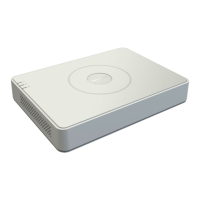
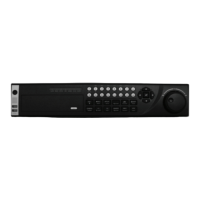
The device appearance is subject to actuality.
Step 1 Unlock the bezel with the delivered key.

 To Next Page
 Loading...