All-in-One Server Quick Start Guide
12
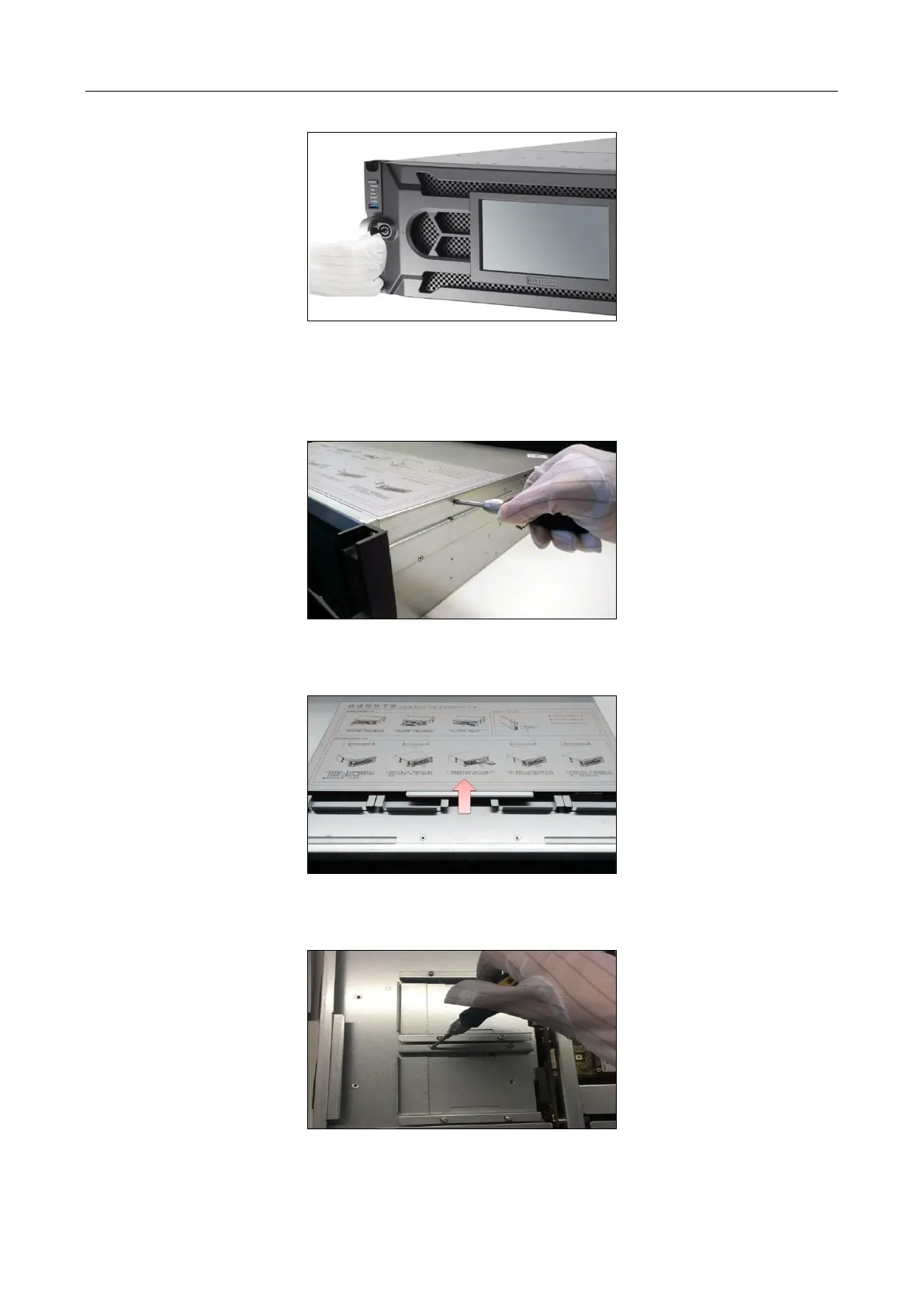
Figure 2-7 Reinstall the Bezel and Lock
2.2.2 Installing HDD in Server Board
Step 1 Unfasten the screws on the back and side of cover.
Figure 2-8 Unfasten Screws
Step 2 Push the cover along the direction shown in Figure 2-9 to remove it.
Figure 2-9 Push Cover
Step 3 Unfasten screws on HDD tray and take out the HDD tray
Figure 2-10 Unfasten Screw


 To Next Page
 Loading...