DS-A80&81 Series Storage System User Manual
26
4.1 Managing Local Disk
Purpose:
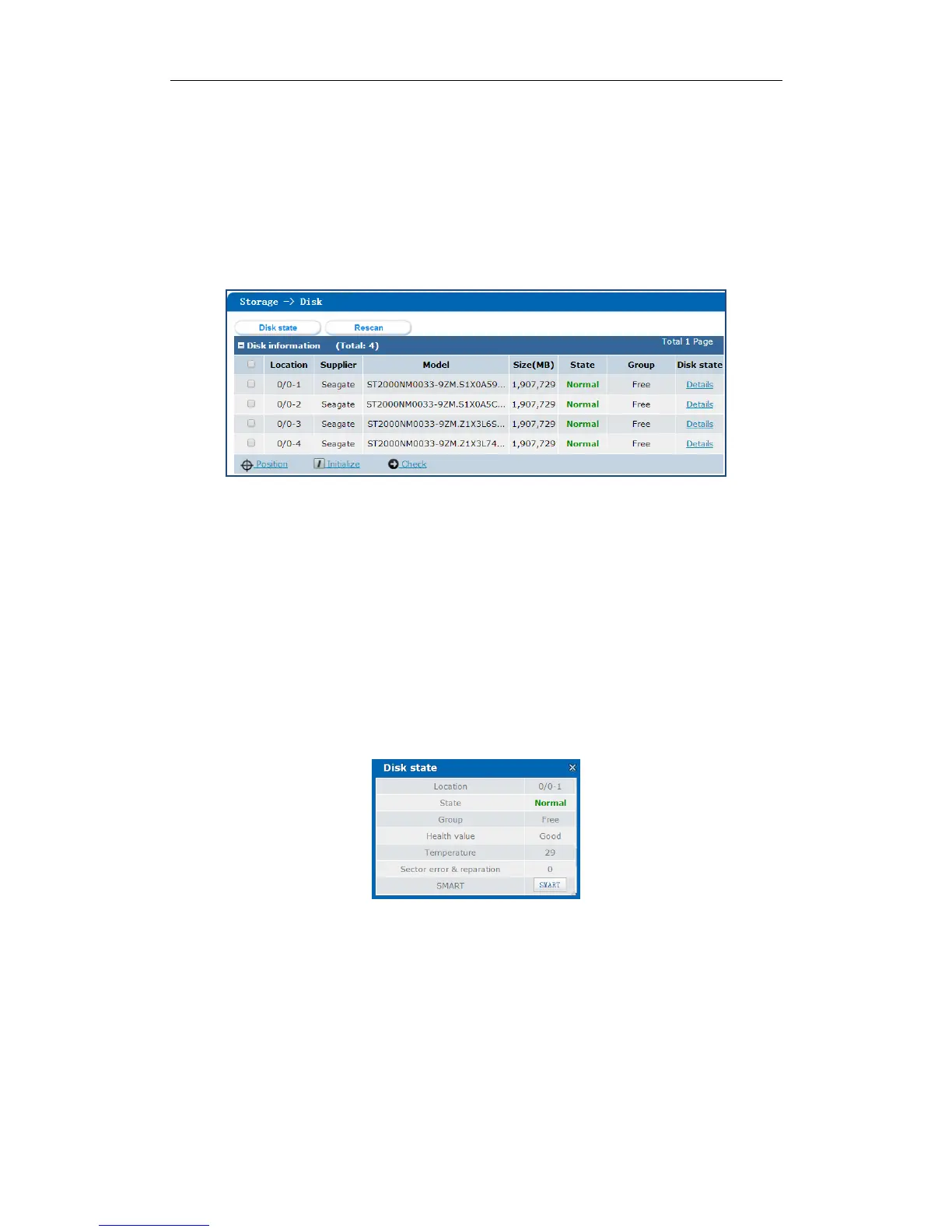
You can view the disk information here, including disk location, supplier, model, size, status, and belonging group.
Step:
Click Storage in navigation bar and choose Disk to enter Disk interface.
Figure 4. 3 Disk
4.1.1 Viewing Disk Status
Purpose:
You can view status of one disk or all disks.
4.1.1.1 One Disk
Steps:
1. In the Disk information list, Click Details of a disk. Disk state dialog appears.
2. Click SMART to view the disk’s SMART detection information.
Figure 4. 4 Details
4.1.1.2 All Disks
Steps:
1. Click Disk state in the top-right corner. The following dialog appears.
2. Click SMART of a disk to view its SMART detection information.


 To Next Page
 Loading...