DS-A80&81 Series Storage System User Manual
68
If iVMS-5200 has started time synchronization with encoding devices, it isn’t recommended to start time
synchronization in storage system.
Step:
Click and click OK in confirmation dialog box. CVR modify connected encoding devices’ time
once it is started. And then synchronize time every 5 minutes.
Figure 7. 14 Time Synchronization
7.3.2.3 Record Volume Calculator
Purpose:
You can calculate the remaining record time of a certain record volume.
Steps:
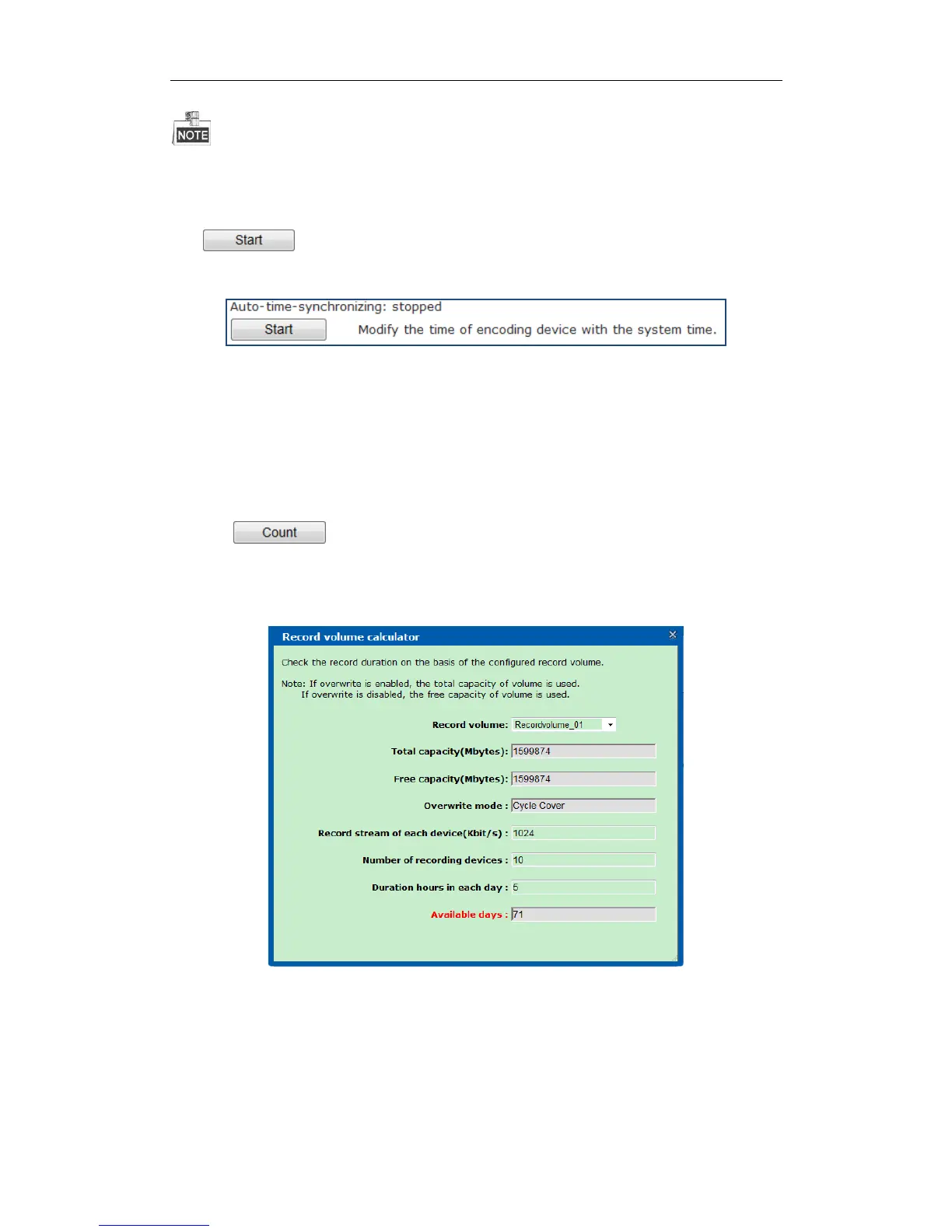
1. Click button.
2. Select Record Volume to view in the dropdown list.
3. Enter Record stream of each device(Kbit/s), Number of recording devices, and Duration hours in each day.
And then the Available days appears.
Figure 7. 15 Record Volume Calculator
7.3.2.4 Detecting Video
Purpose:
You can detect whether frame loss exists in specified videos.
Steps:


 To Next Page
 Loading...