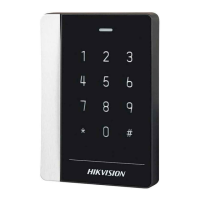
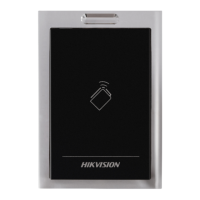
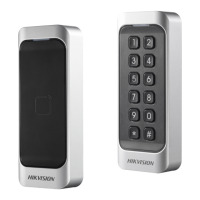
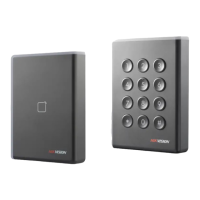
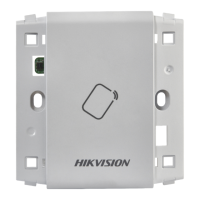
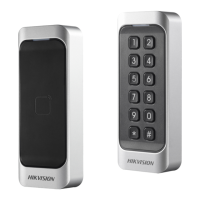
DS-K1100 Series Card Reader
7
Chapter 2 Installation
2.1 Installing PSAM Card
PSAM card slot is only available for CPU card reader.
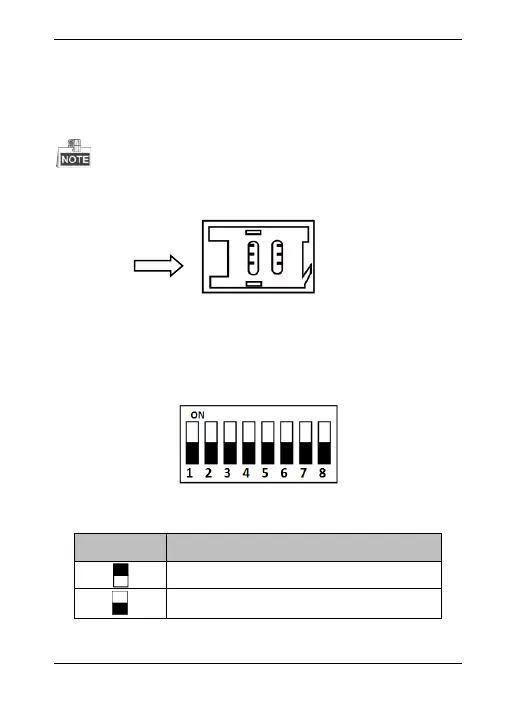
Insert the PSAM card into the slot according to the direction
shown below.
Figure 2-1 PSAM Card Slot
2.2 Introduction for DIP Switch
The DIP switch module is shown below. The No. of DIP switch
from left to right is 1 ~ 8.
Figure 2-2 DIP Switch Module
Table 2-1 Description of DIP Switch



 To Next Page
 Loading...