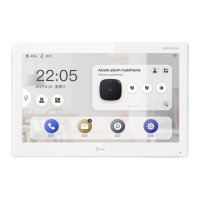
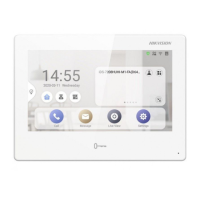
Steps
1.
T
ap Sengs →
→ Password t
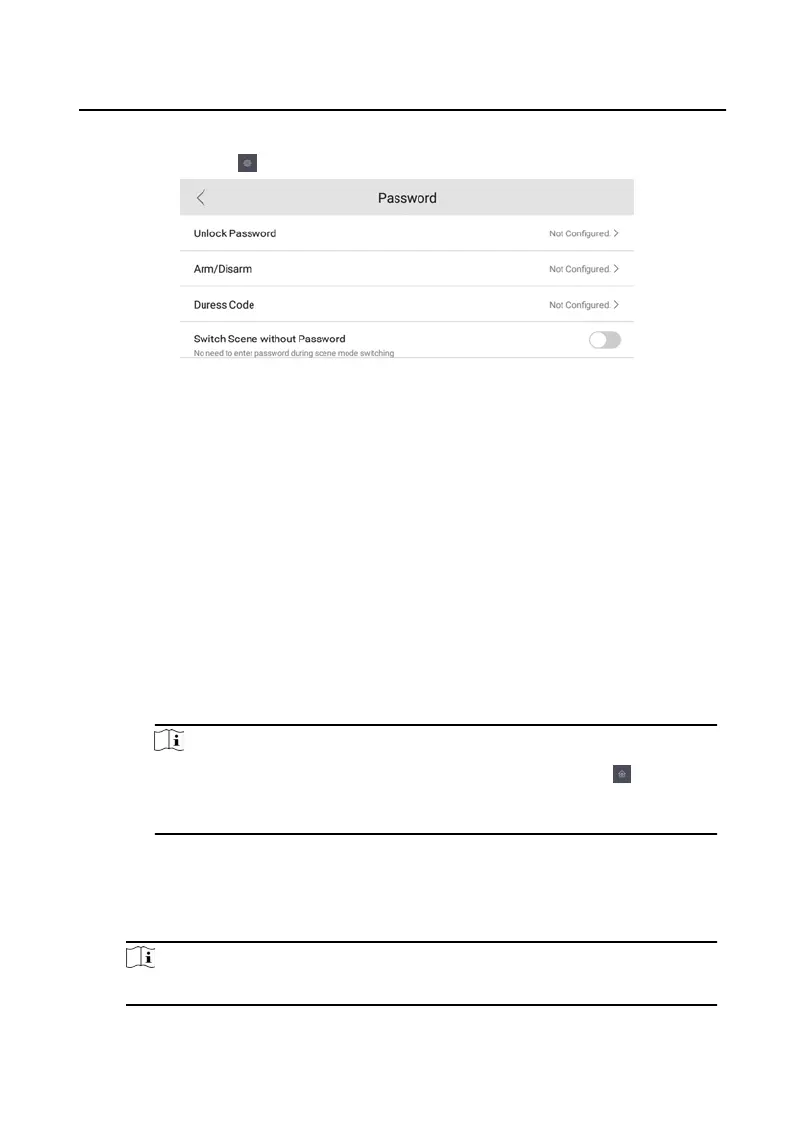
o enter the password sengs page.
Figure 2-9 Password Sengs
2.
T
ap Unlock Password, Arm/Disarm, or Duress Code to pop up the password
sengs dialog box.
Unlock P
assword
Enter the unlock password and room No. on the door staon
to open the
door.
Arm/Disarm
Create an arm/disarm password before conguring alarm parameters.
Arm or disarm the zone for the indoor staon by entering the arm/disarm
password.
Note
Arm/Disarm
sengs page is hidden by default. Tap Sengs →
→
Short
cut Sengs to enable Zone Alarm Locally, you can edit the alarm
parameters.
Duress Code
When y
ou are hijacked and forced to open the door, you can enter the
duress code. An alarm will be triggered to nofy the management center
secretly.
Note
The duress code and the unlock password cannot be the same.
3.
Enter the old password.
Video Intercom 9 Series Indoor Staon
Conguraon Guide
9



 To Next Page
 Loading...