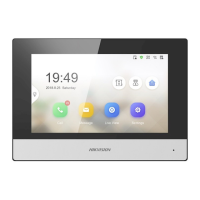
The Third-Party APP
Sengs
View the App informaon in the list and add/delete the App remotely.
Steps
1.
Click App Informaon List t
o enter the sengs page.
2.
Click Add, enter the URL to get the package.
3.
Oponal: Select the App, click Dele
te to uninstall the App.
SIP No. Sengs
You can view and edit the SIP informaons in SIP No. Sengs page.
St
eps
1.
Click SIP No. Sengs to enter the sengs page.
2.
Click Add t
o add the SIP No. to the device.
3.
Select an item, and click Congure
to edit the parameters.
4.
Oponal: Select SIP number
s in the list, and click Delete to delete the selected
informaons.
5.
Oponal: Click Clear t
o clear the informaons in the list.
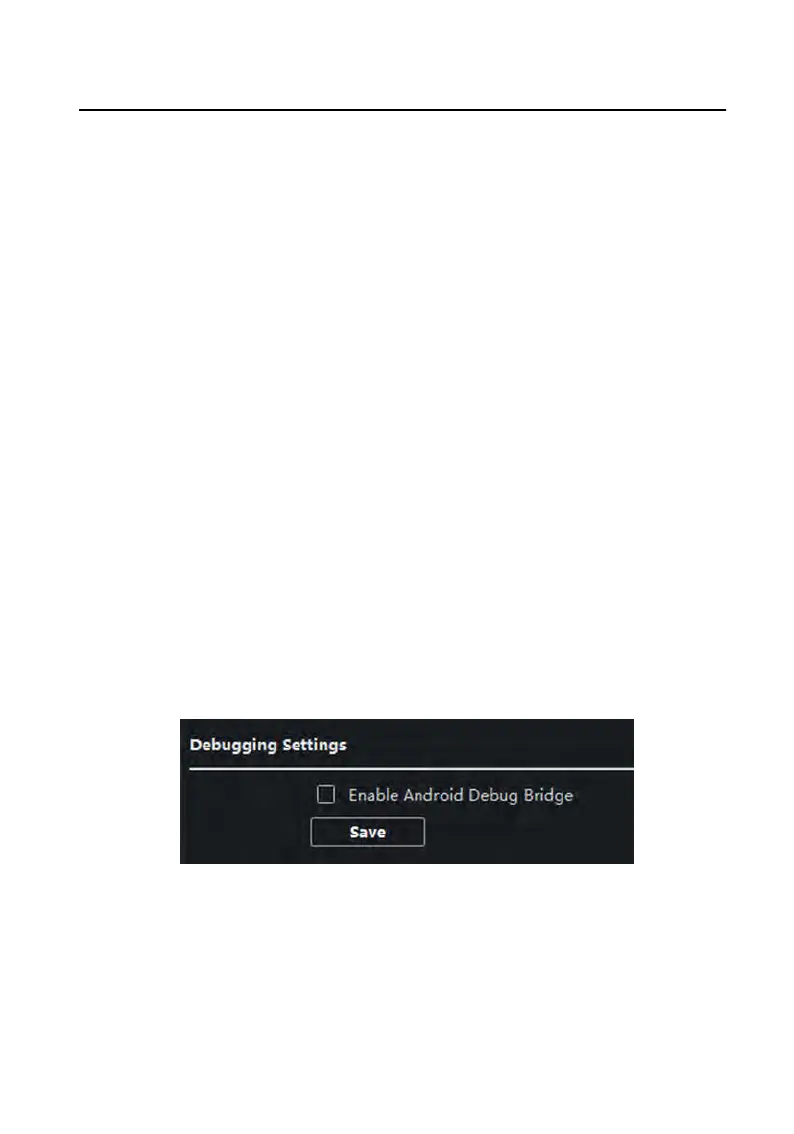
Debugging Sengs
Click Debug
ging Sengs to enter the sengs page.
Figure 3-17 Debugging Sengs
Check the checkbox to enable android debug bridge. Click Sa
ve to enable sengs.
3.4.3 Network
Video Intercom 9 Series Indoor Staon Conguraon Guide
31


 To Next Page
 Loading...